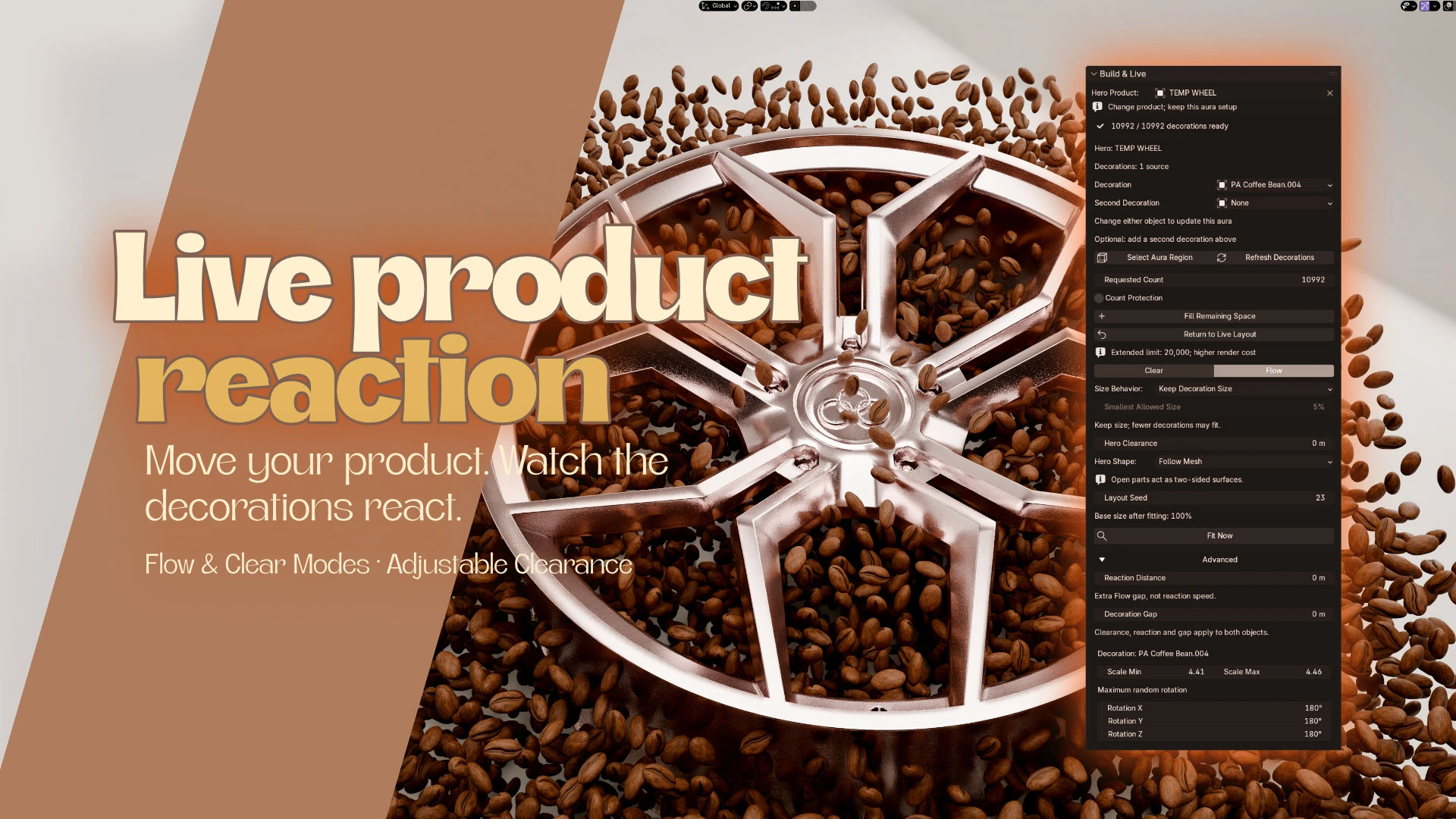
A layout that reacts
Move the hero and the live layout responds. Flow moves candidates away; Clear hides unsafe placements. Allow Shrinking lets nearby decorations shrink and recover.

Bevel Graphics / Blender addon
Scatter. React. Create.
A world around your hero. Create live, reactive decoration layouts for product renders and creative scenes.
Blender 4.2-5.2 / Cycles & Eevee
The addon
Product Aura is a Blender addon by Bevel Graphics for creating reactive decoration layouts around a product, character or scene centerpiece. It combines live Flow and Clear modes, two decoration slots, fill presets and ten included 3D assets.
Build citrus surrounds for a drink, add botanicals to a skincare shot, or combine glass and crystal around a perfume bottle. Shape the surrounding volume, change the ingredients, and keep your original product and source objects intact.
Move the hero and the live layout responds. Flow moves candidates away; Clear hides unsafe placements. Allow Shrinking lets nearby decorations shrink and recover.
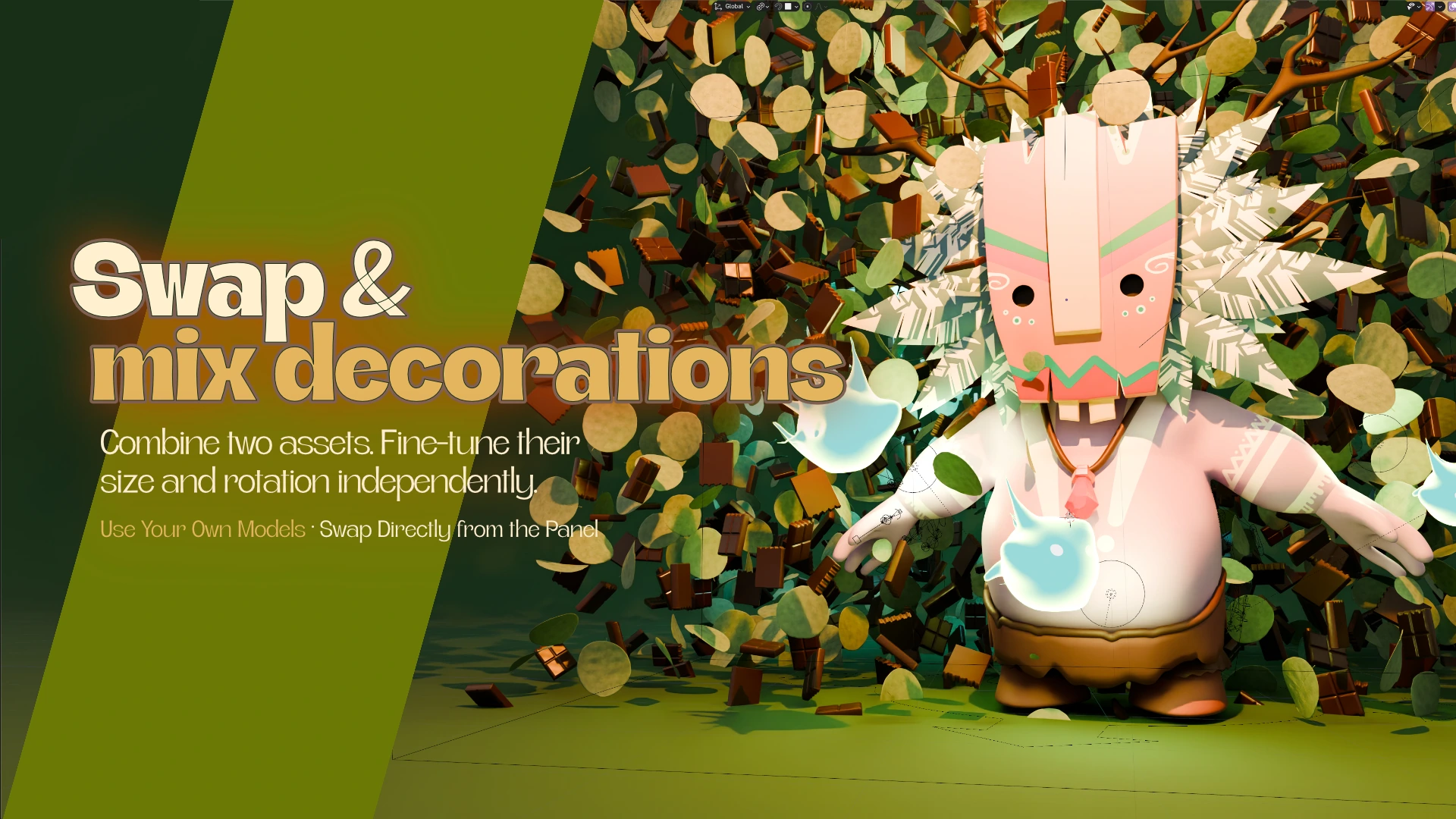
Combine two included assets or use compatible objects from your scene. Control their size and rotation independently, with a repeatable seed for the overall layout.
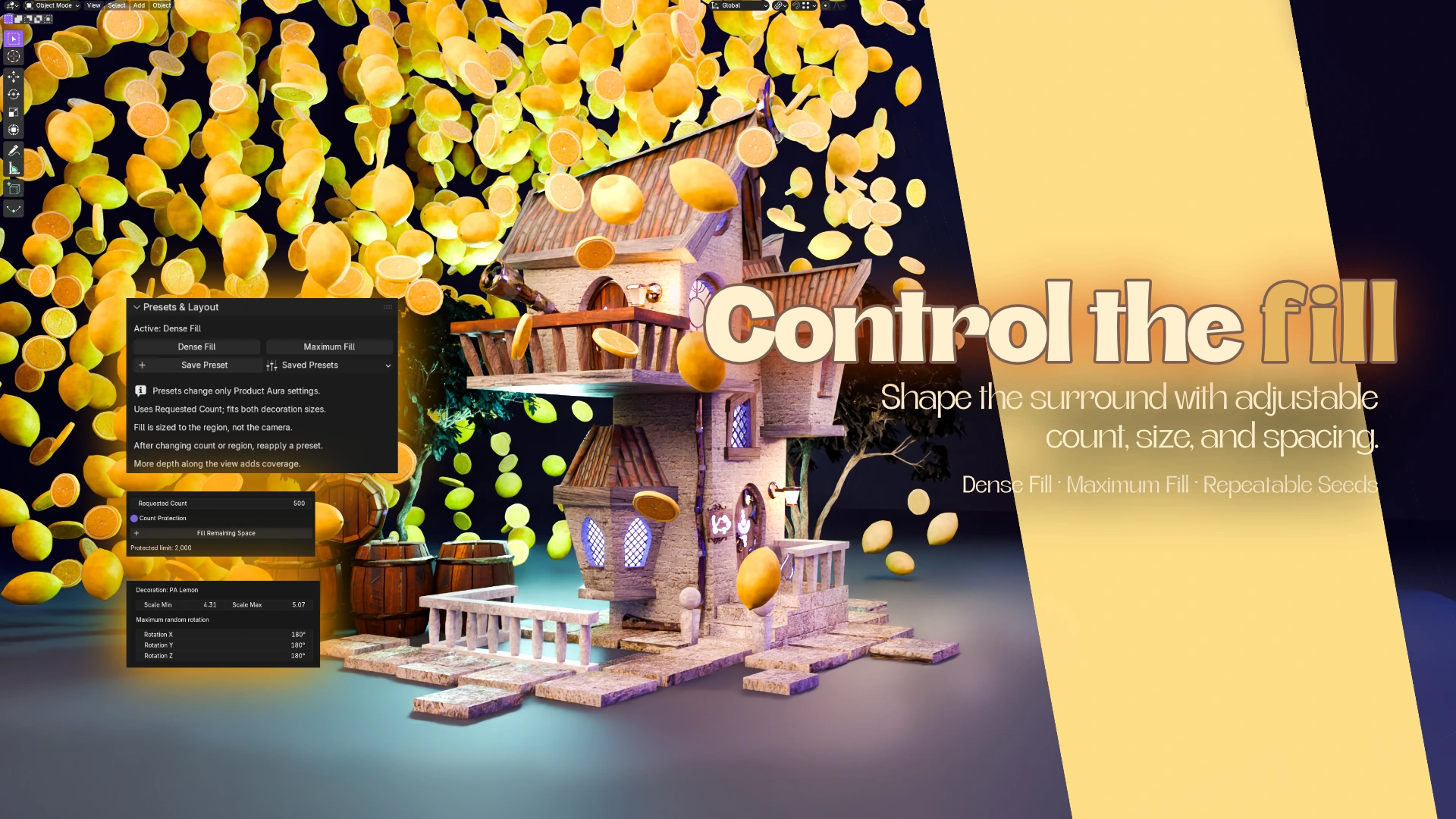
Use Dense Fill and Maximum Fill as starting points. Adjust count, size, spacing and the aura region to find the balance between a rich surround and a readable product.
Inside the download
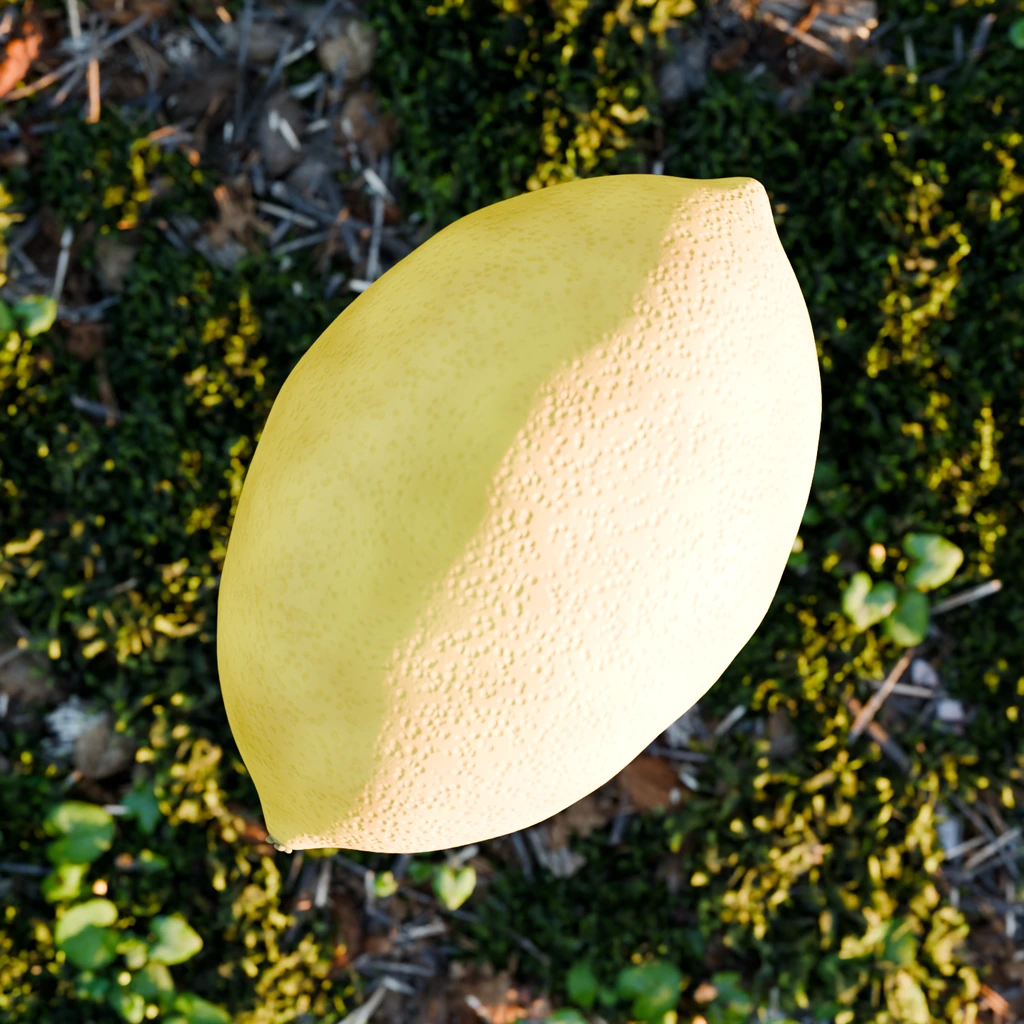
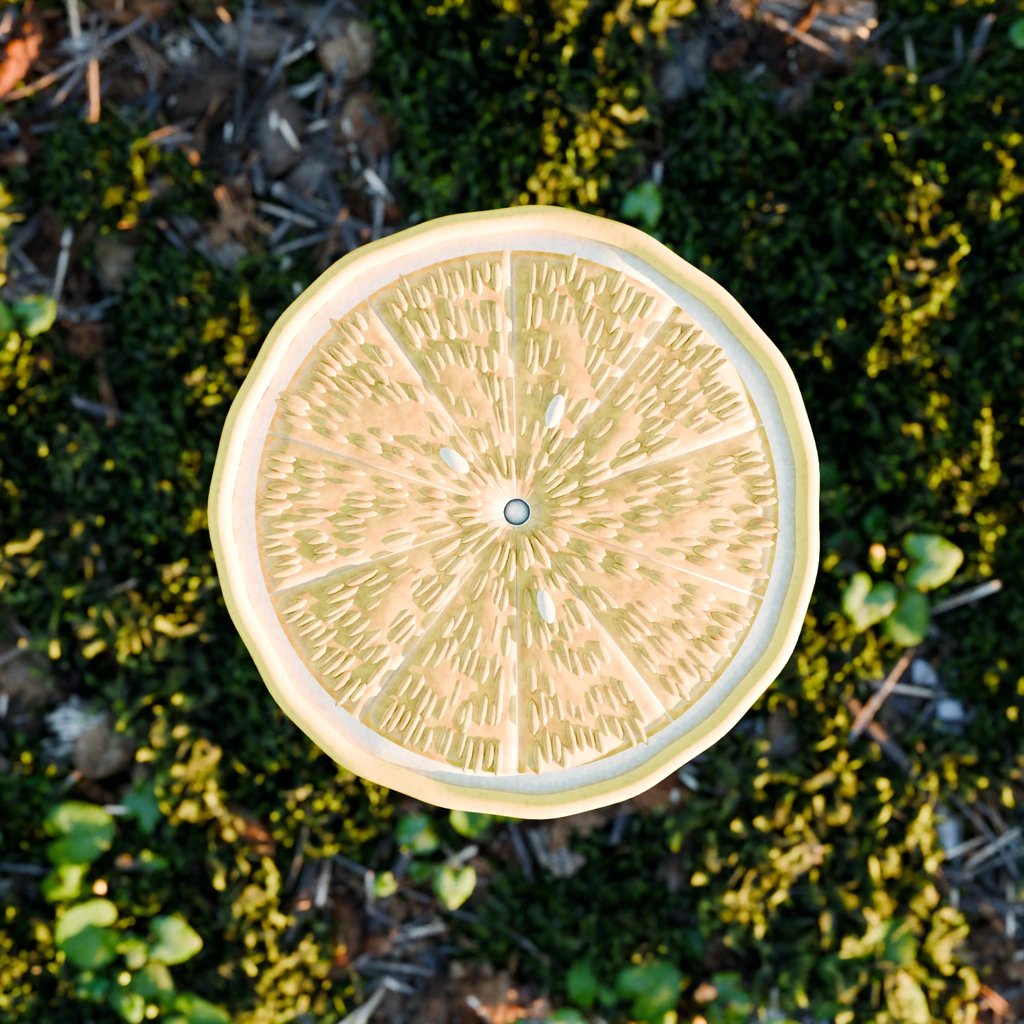
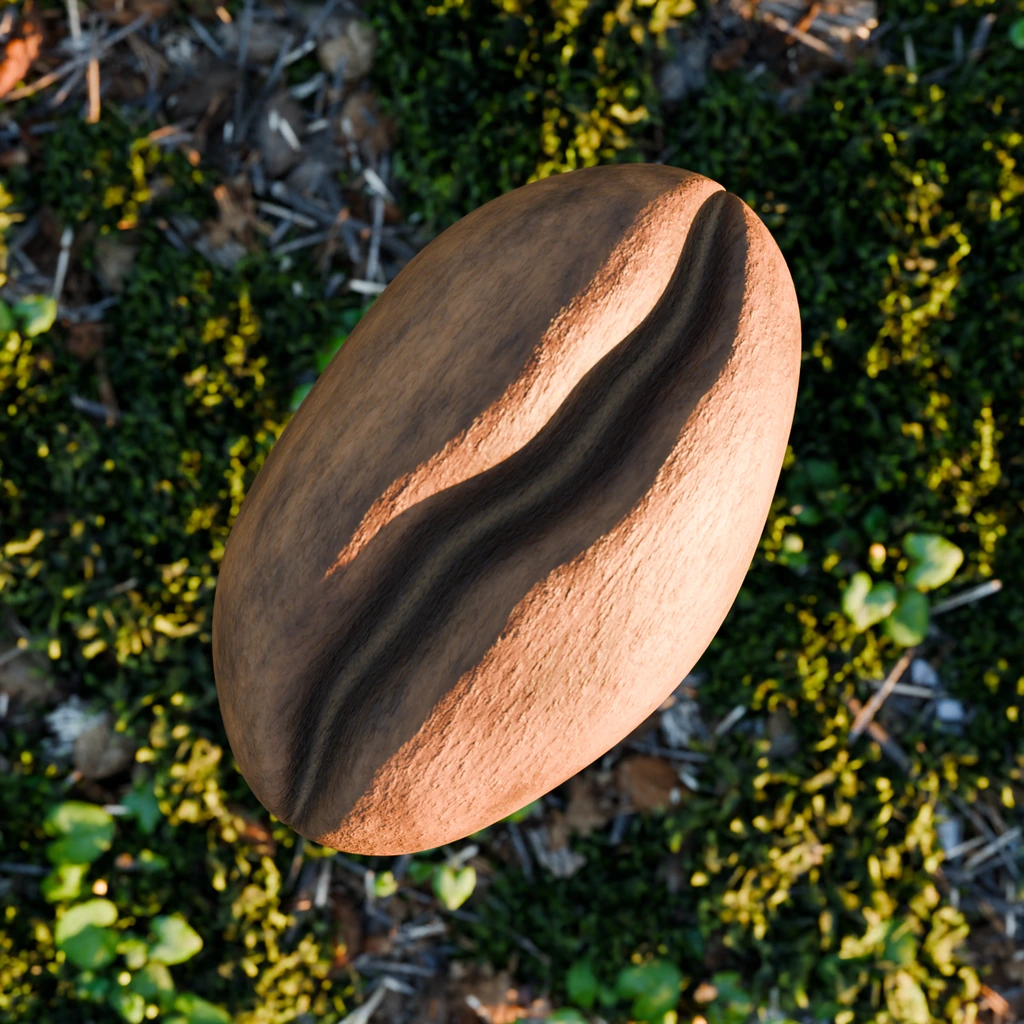
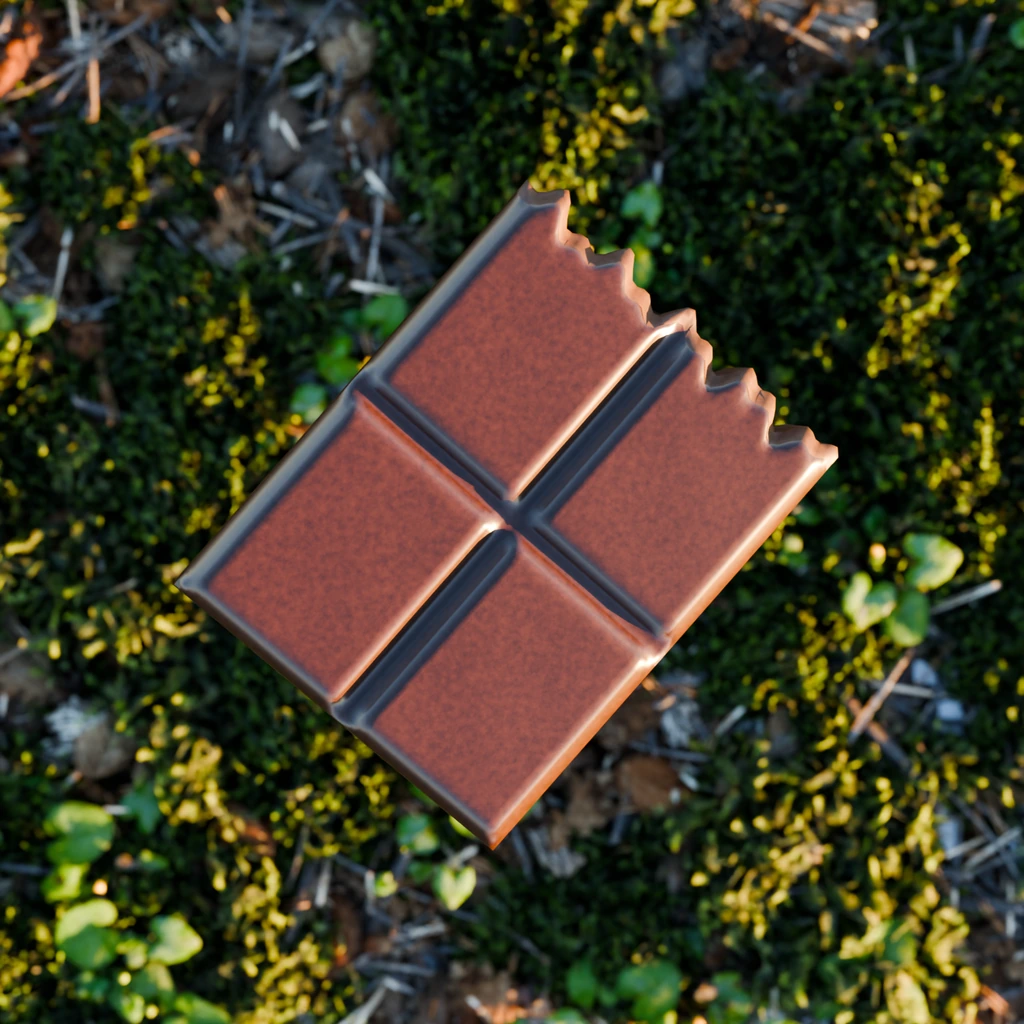
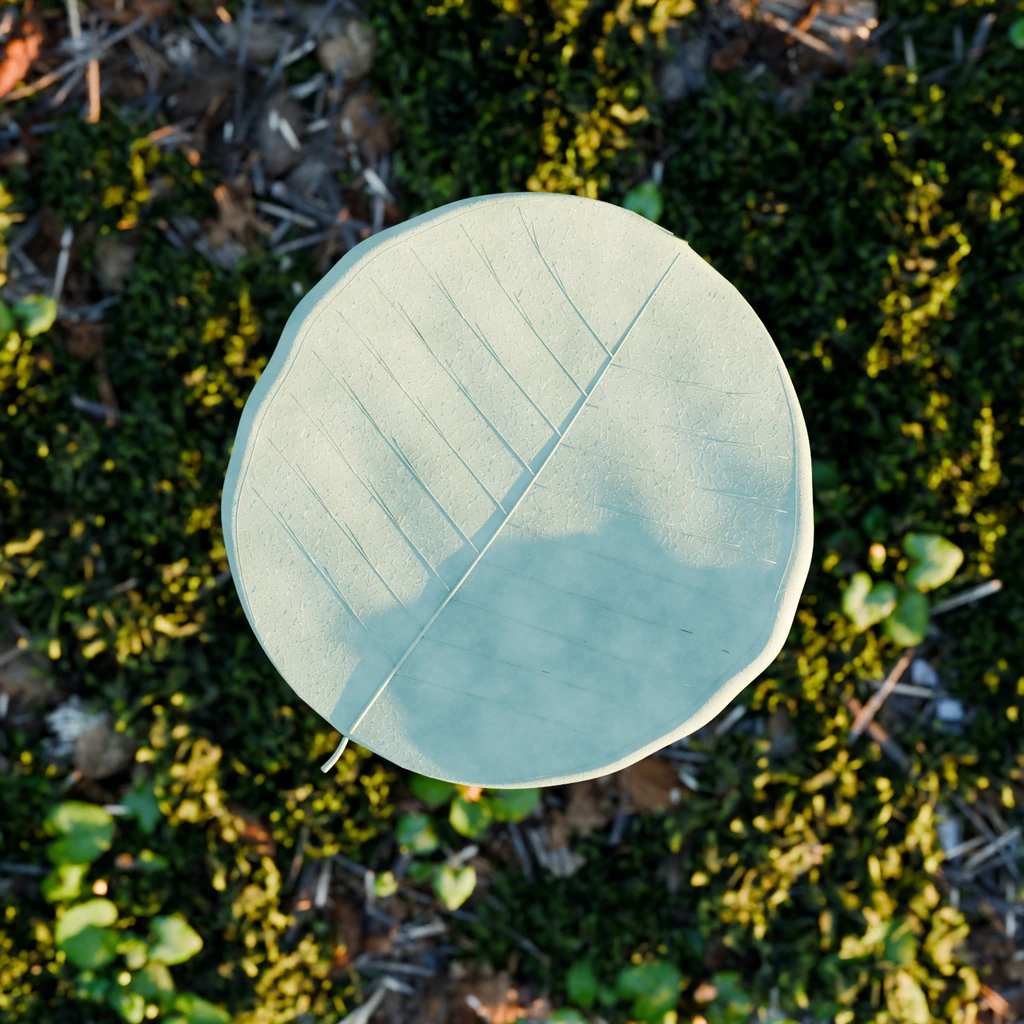
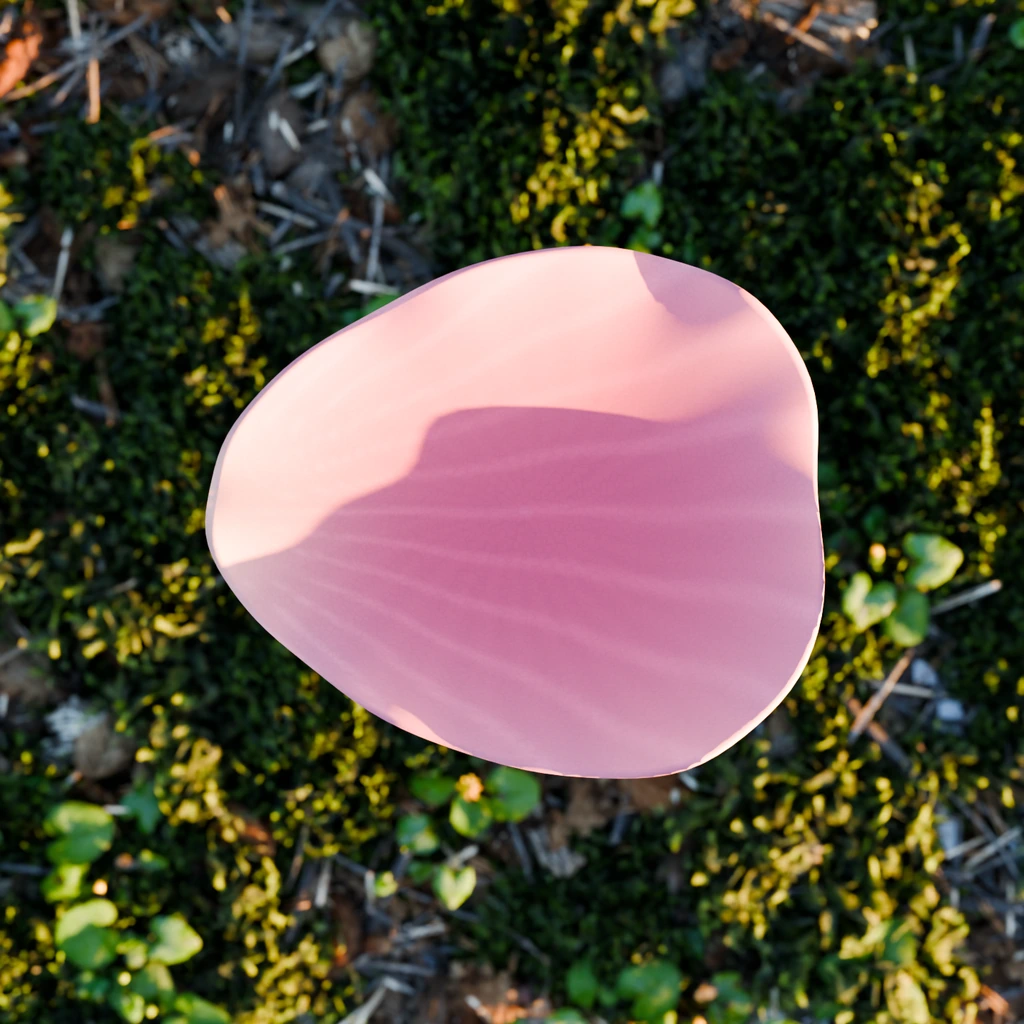
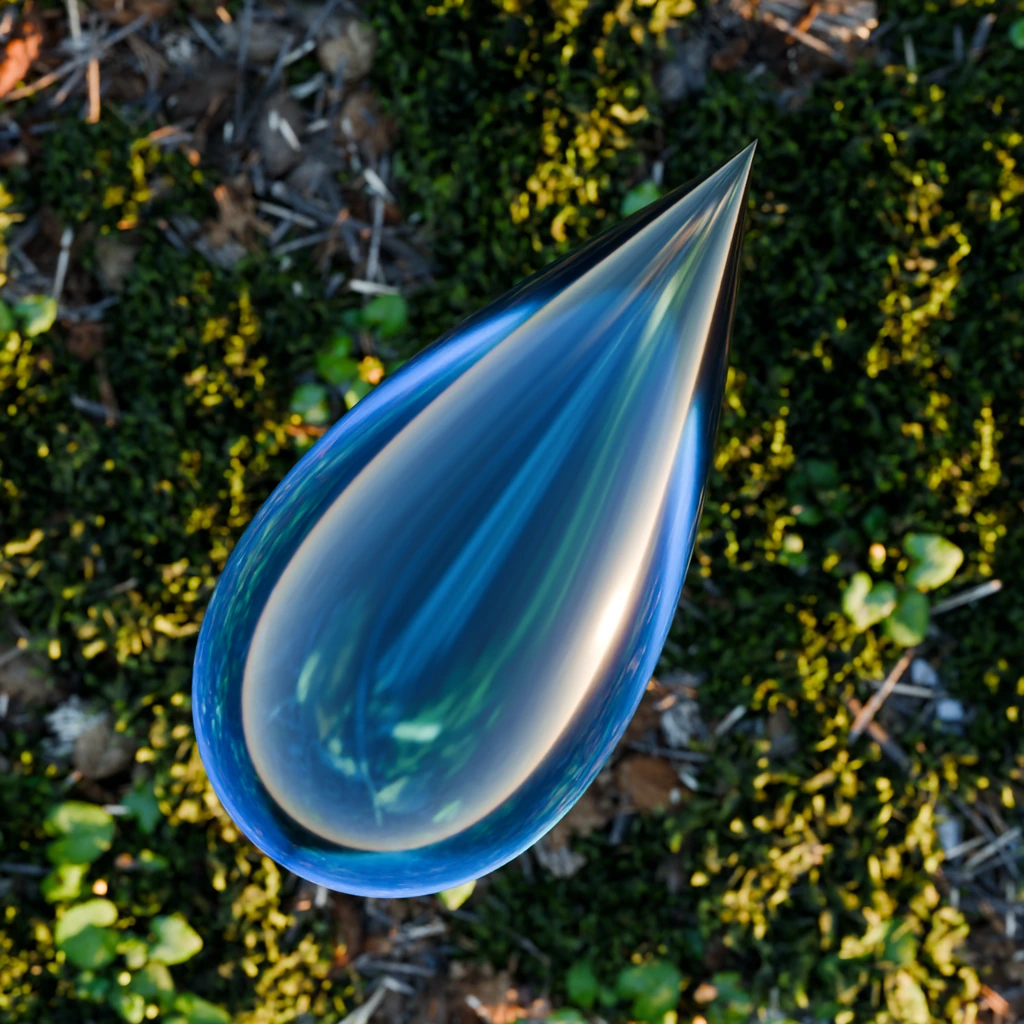
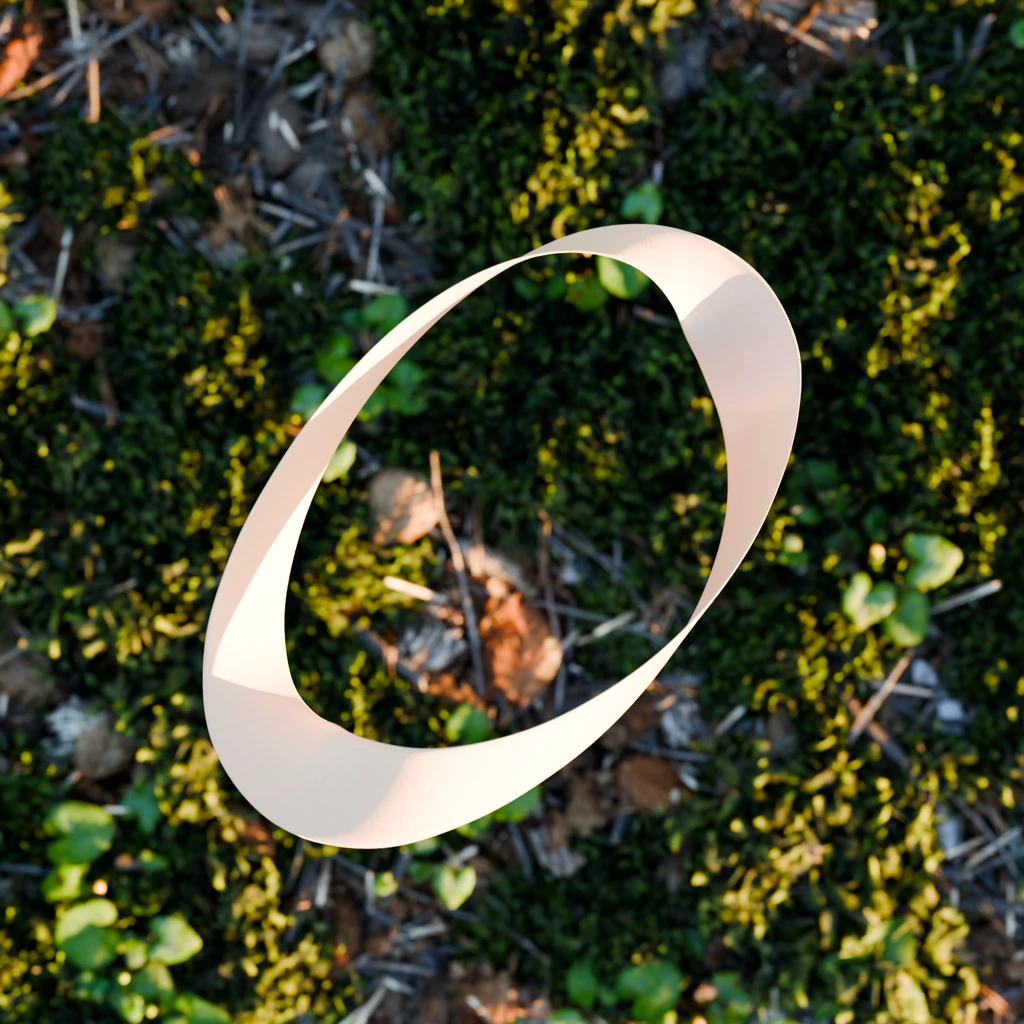
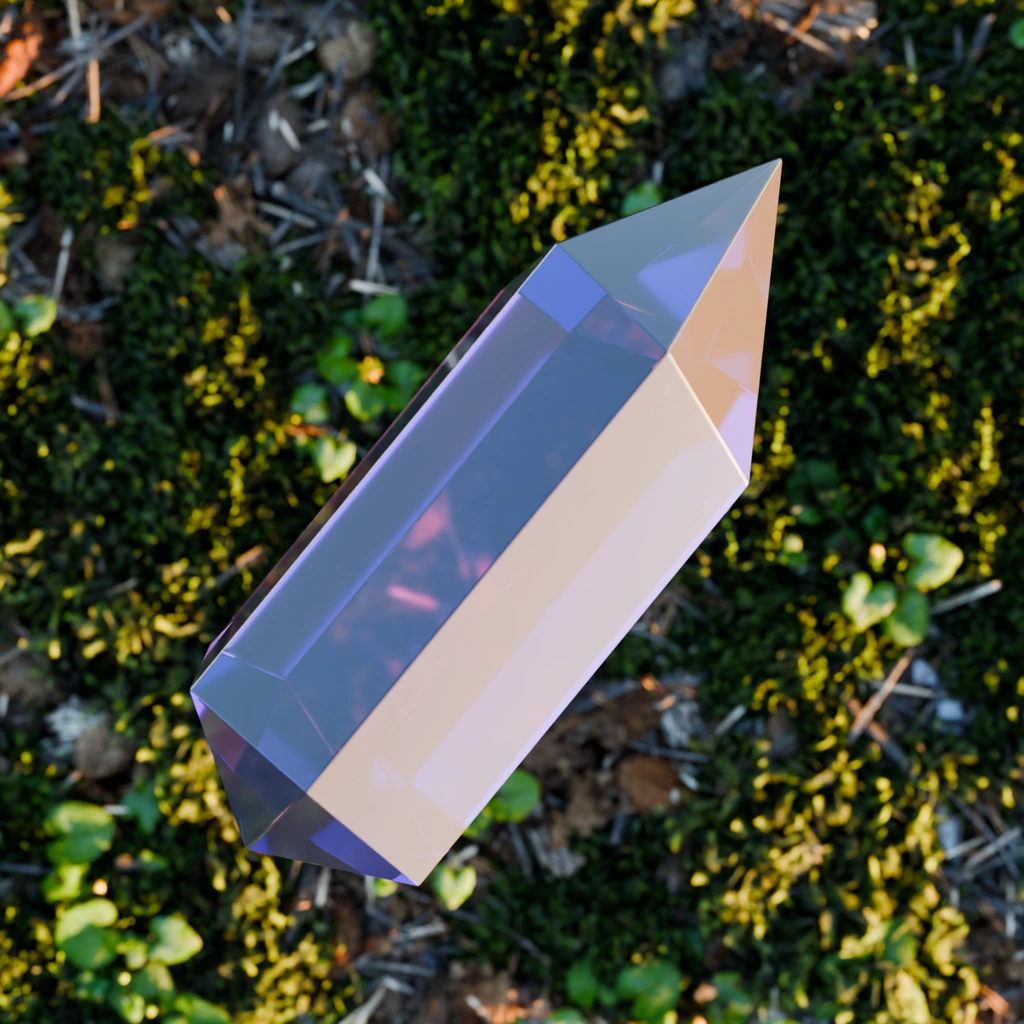
Every decoration below is included in the addon ZIP with UVs and self-contained materials. Choose from the panel or bring your own compatible objects.

Art-direct the surround
Keep Solid Envelope for outer-shell protection, or choose Follow Mesh when openings and recesses should hold decorations. Save your settings as a preset, try New Variation, or duplicate the aura to compare compositions.
In Blender Preferences, open Extensions and choose Install from Disk. Select Product Aura.zip, enable the addon, then open N > Product Aura in the 3D View.
Select your Hero Product, add an included decoration and choose Create Product Aura. Start with 500 decorations and adjust the aura region around your composition.
Apply a fill preset, adjust the clearance and mix a second decoration. Refine your own lighting, camera and animation, then render with Cycles or Eevee.
Current release: 0.18.3. Count Protection caps requested and animated output at 2,000. Turning it off removes the old 20,000-item addon limit; native Blender limits and available memory still apply. Actual placement depends on space, source geometry and clearance. Save first and increase counts gradually.
Product Aura is a Blender addon by Bevel Graphics for creating reactive decoration layouts around a product, character or scene centerpiece. It combines live Flow and Clear modes, two decoration slots, fill presets and ten included 3D assets.
Product Aura 0.18.3 requires Blender 4.2 or newer. Superhive lists Blender 4.2 through 5.2, with Cycles and Eevee. Confirm the supplied version and platform requirements on your chosen store. The minimum Blender version does not certify every newer build, operating system or graphics driver.
Lemon, citrus slice, coffee bean, cacao chunk, citrus leaf, eucalyptus leaf, rose petal, glass droplet, satin ribbon and crystal. They are bundled in the addon ZIP with UVs and self-contained materials, so a separate asset installation is not required.
Yes. Choose compatible objects from your scene in Decoration and Second Decoration, then adjust each source's size and rotation independently. Requested Count is shared between both sources; the seeded random mix is not a fixed 50/50 split. In 0.18.3, static geometry edits update after a pause in Object Mode; reselect the source in its menu for shader-only changes.
Yes. Product Aura 0.18.3 removes the old 20,000-item addon limit when Count Protection is off. Type a higher Requested Count directly into the field. Protection on caps requested and animated output at 2,000. Actual placement depends on available space, and performance remains limited by Blender, memory and scene complexity. Save first and increase counts gradually.
No. The Product Aura panel provides the supported scattering controls, and all ten decoration assets are bundled in the installation ZIP. You do not need to construct a node graph or install a separate decoration library to make your first aura.
No. Product Aura uses geometric reactions without a simulation bake. In the live layout, Flow moves candidates away from the hero and Clear hides unsafe placements. Allow Shrinking lets instances shrink and recover. A packed Fill Remaining Space layout keeps fixed positions; use Return to Live Layout to restore Flow.
The included content is the addon and its ten decoration assets. Hero products, characters, environments, camera animation and lighting shown in promotional scenes are demonstrations, not included assets unless your purchase listing explicitly says otherwise.
Product Aura is available from Bevel Graphics on Superhive and Gumroad. Follow a store link below for its current price, license details, checkout and download. Purchase and delivery for Product Aura take place on your chosen marketplace.
Product Aura by Bevel Graphics
$10 USD / Product Aura 0.18.3 and all ten decoration assets.
Get the Blender addon and all ten decoration assets. Choose your store for current pricing, checkout and delivery.
Product Aura 0.18.3 requires Blender 4.2 or newer. Check the supplied version and platform requirements on your chosen store before purchasing.
Explore all Bevel Graphics addons