Product Aura: Reactive Scattering in Blender for Product Visualization
Build a richer scene around your hero product. Product Aura combines live reactive scattering, two decoration sources and ten included assets in one Blender addon.
By Bevel GraphicsPublished Updated
What is Product Aura?
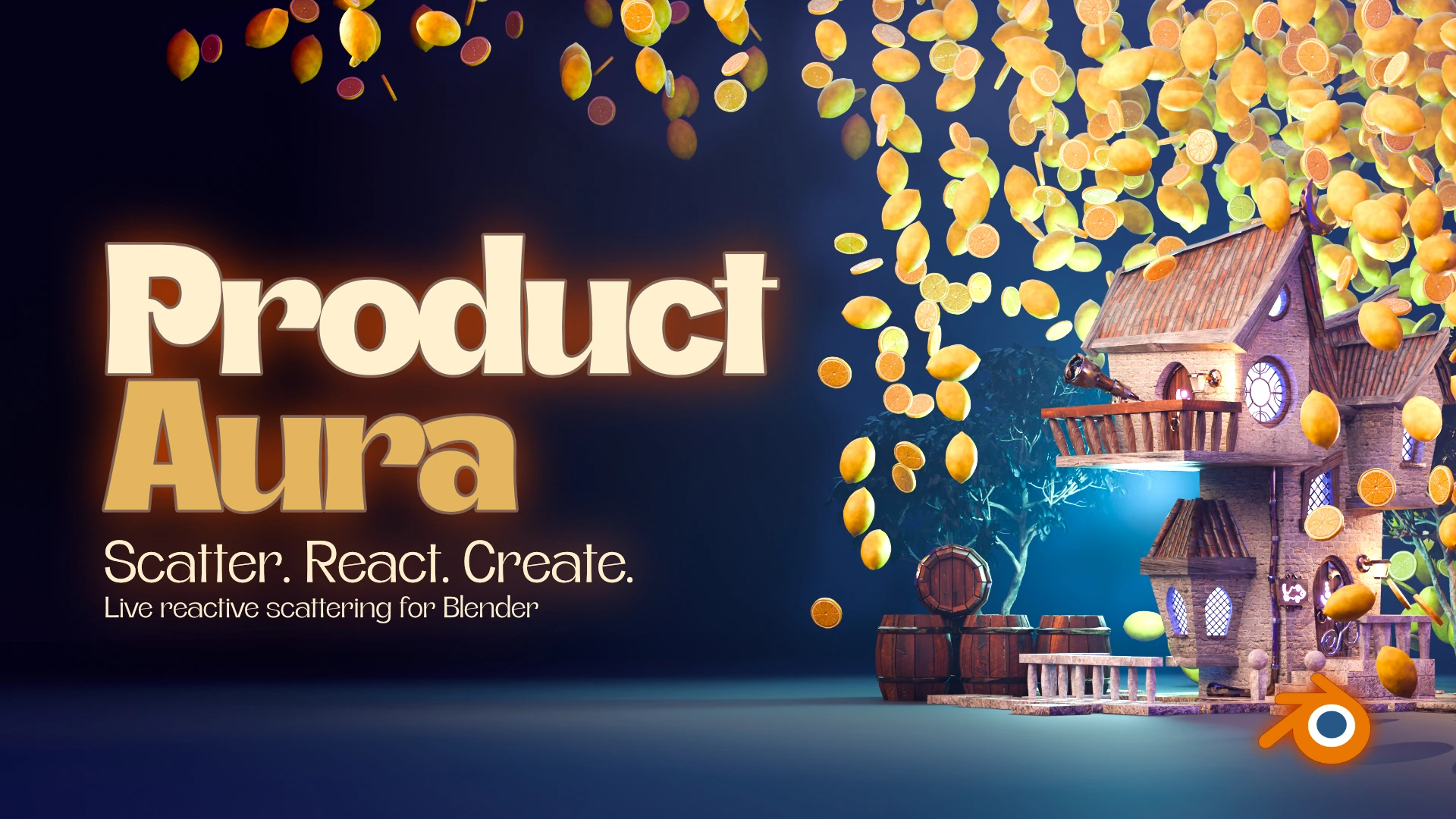
Product Aura is a Blender addon by Bevel Graphics for creating reactive decoration layouts around a product, character or scene centerpiece. It combines live Flow and Clear modes, two decoration slots, fill presets and ten included 3D assets.
I built Product Aura to make the space around a subject easier to art-direct. A good product render needs more than an isolated model: the surrounding shapes can suggest ingredients, create depth and direct attention. Placing every leaf, coffee bean or glass accent by hand makes revisions slow. Product Aura turns that surrounding arrangement into an editable layout while preserving your original hero and decoration sources.
- Creator: Bevel Graphics. Product: Product Aura, a Blender extension built around procedural decoration layouts.
- Version covered: Product Aura 0.18.3, with a minimum requirement of Blender 4.2. Superhive lists Blender 4.2-5.2 and Cycles/Eevee; check the package version and requirements on your chosen store.
- Included content: the addon and ten decoration assets with UVs and self-contained materials.
- Core controls: live Flow and Clear reactions, two decoration slots, fill presets, hero clearance and repeatable seeds.
- Available on Superhive and Gumroad. See the official product page for purchase links and compatibility notes.
What changed in Product Aura 0.18.3?
Product Aura 0.18.3 simplifies the panel and removes the old 20,000-decoration ceiling when Count Protection is off. Static source geometry, modifier and transform edits update automatically after you return to Object Mode and pause editing. For shader-only changes or an explicit recapture, reselect the source in its decoration menu. Dense Fill and Maximum Fill handle size recalculation; the older Fit Now and Refresh Decorations buttons have been removed.
The screenshots in this article show earlier interface labels and the same decoration workflow. Follow the 0.18.3 instructions in the text when a screenshot differs. Count Protection still defaults to a 2,000-item cap. Turning it off removes the addon's limit, not Blender's memory and processing constraints.
Why reactive scattering helps product artists
Scattering is useful when a composition needs repeated objects without visibly repetitive placement. For a beverage render, citrus slices can echo the flavor. Around coffee packaging, beans establish context before someone reads the label. Botanicals can frame a cosmetic bottle; crystal and glass can introduce highlights and depth around a perfume product.
The useful part is how quickly you can revise the relationship between the subject and its surround. Move the hero, change its clearance or swap a decoration, then inspect the new composition from your camera. Instead of treating the first arrangement as final, you can compare a few variations and choose the one that keeps the product readable.
When should you use Product Aura instead of manual placement?
Use Product Aura when many repeated decorations need to respond to a central subject and you expect to revise the arrangement. Manual placement remains useful for a few precisely positioned hero accents. A custom Geometry Nodes setup is appropriate when you need behavior beyond the addon's controls. Product Aura packages a specific product-surround workflow into a panel; it does not replace every scattering system or every artistic placement decision.
A practical combination is to let Product Aura generate the broader surround, then place a few separate objects by hand where the camera needs a deliberate highlight or silhouette. Judge the generated layout by the shot, not by the largest number of objects you can fit.
Flow and Clear: what happens when the hero moves?
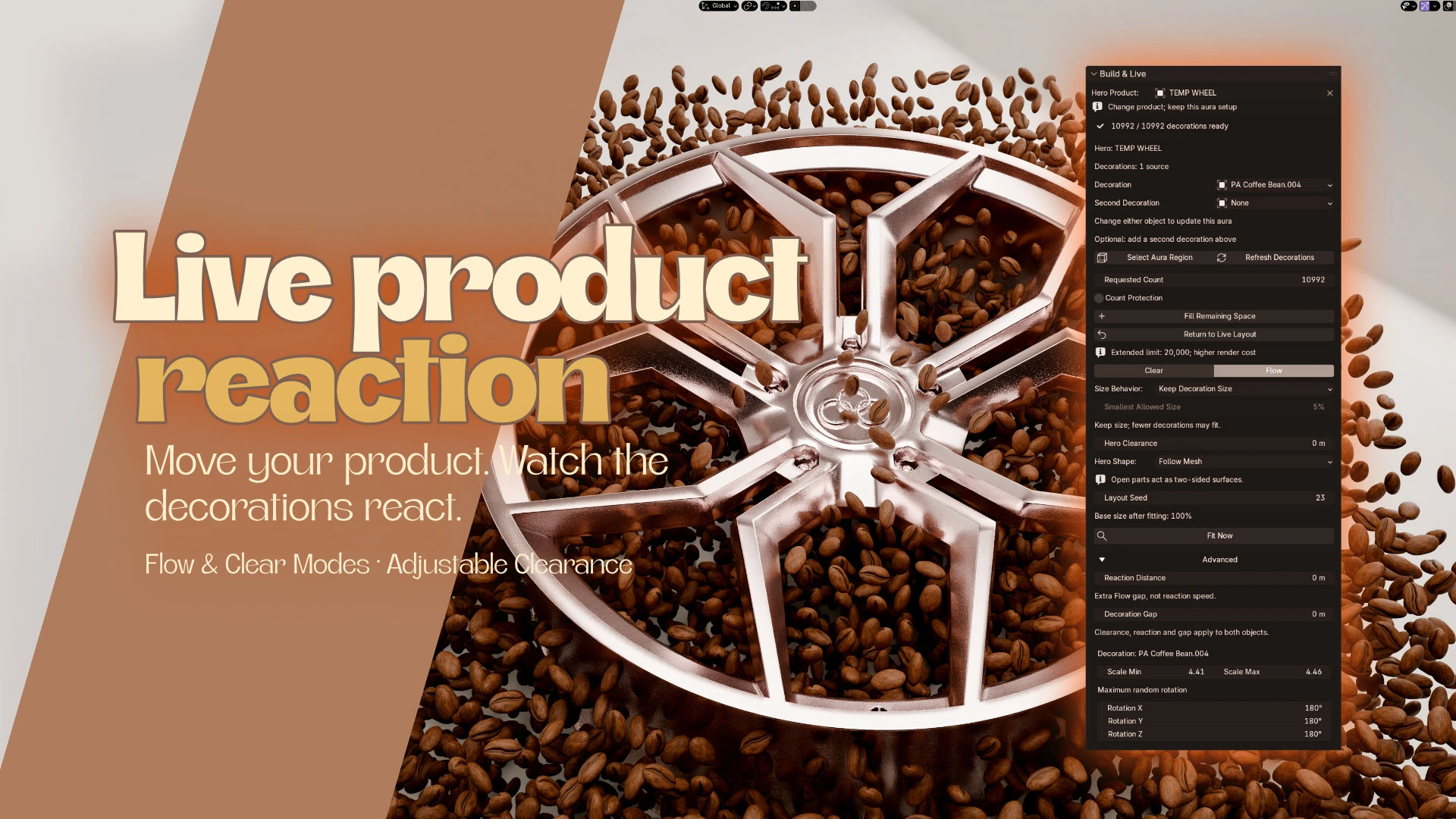
In the ordinary live layout, Flow moves placement candidates away from the hero. Clear hides unsafe placements. Allow Shrinking lets nearby instances shrink and recover as the hero changes position. Hero Clearance controls the space around the product; Reaction Distance adds an extra Flow gap, rather than changing a simulation speed.
These are geometric reactions, not a rigid-body or fluid simulation. There is no simulation bake. The aura region remains fixed, so move or resize it separately when the shot needs a different composition. You still create your own camera movement, lighting and hero animation.
Control the fill without losing the product
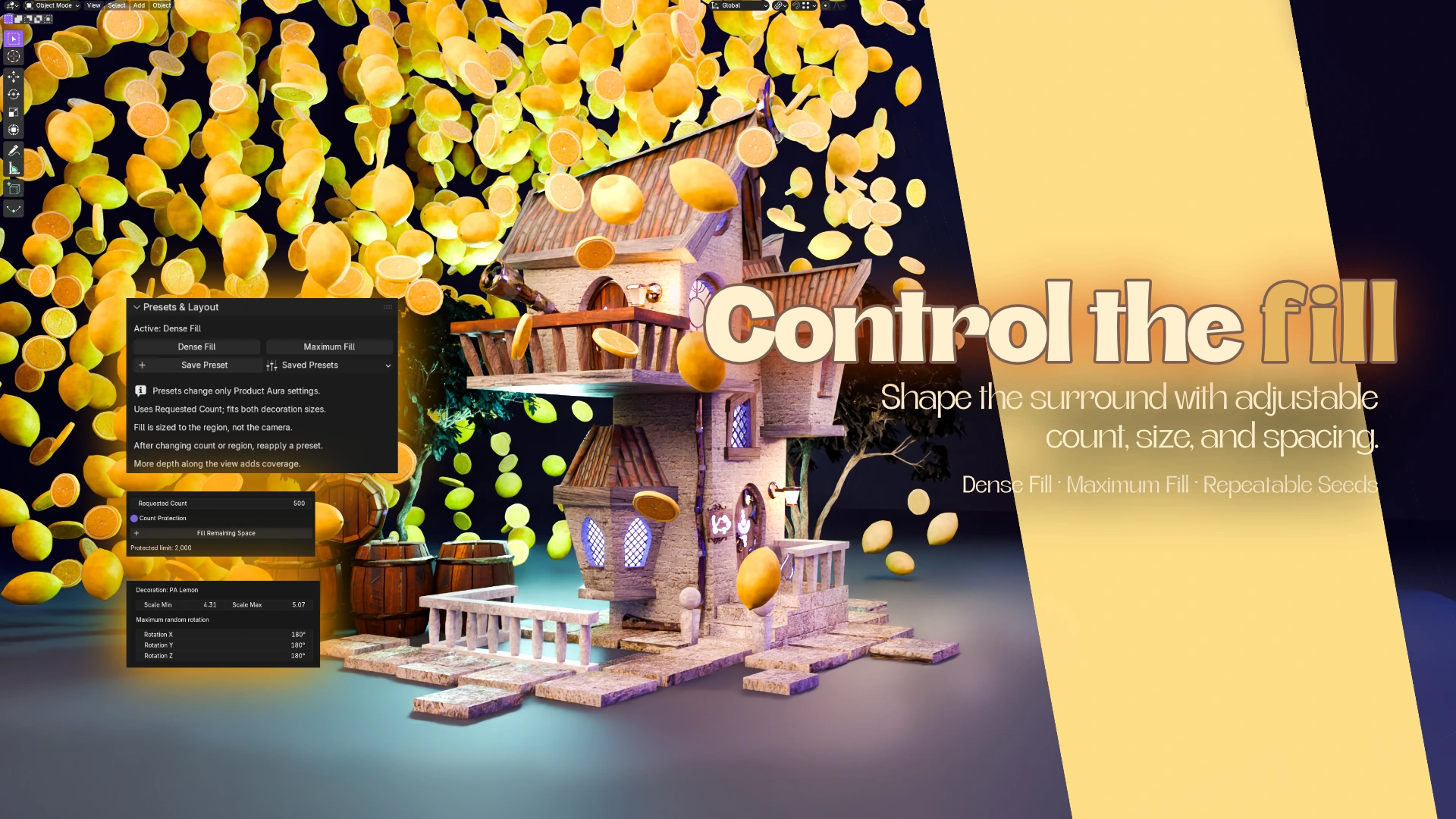
Begin with the aura region and the requested count. Dense Fill fits a varied range of decoration sizes to the region; Maximum Fill aims for a more uniform surround. Reapply a preset when you want to recalculate sizes after changing the count or region. Neither preset guarantees that every background pixel will be covered.
Fill Remaining Space serves a different purpose: it searches for extra positions and rotations while retaining existing placements at the current sizes. The result is a packed layout with fixed positions. Moving the hero can hide or shrink conflicting instances, but it does not automatically refill the space the hero leaves behind. Choose Return to Live Layout when you want Flow again.
For a product with handles, a ring or a wheel, Follow Mesh allows sufficiently large openings and recesses to accept decorations. Solid Envelope remains the default outer-shell approach. Narrow gaps may need smaller decorations, and an existing filled arrangement may need to be cleared and refilled to search newly available space.
Mix two decorations or bring your own models
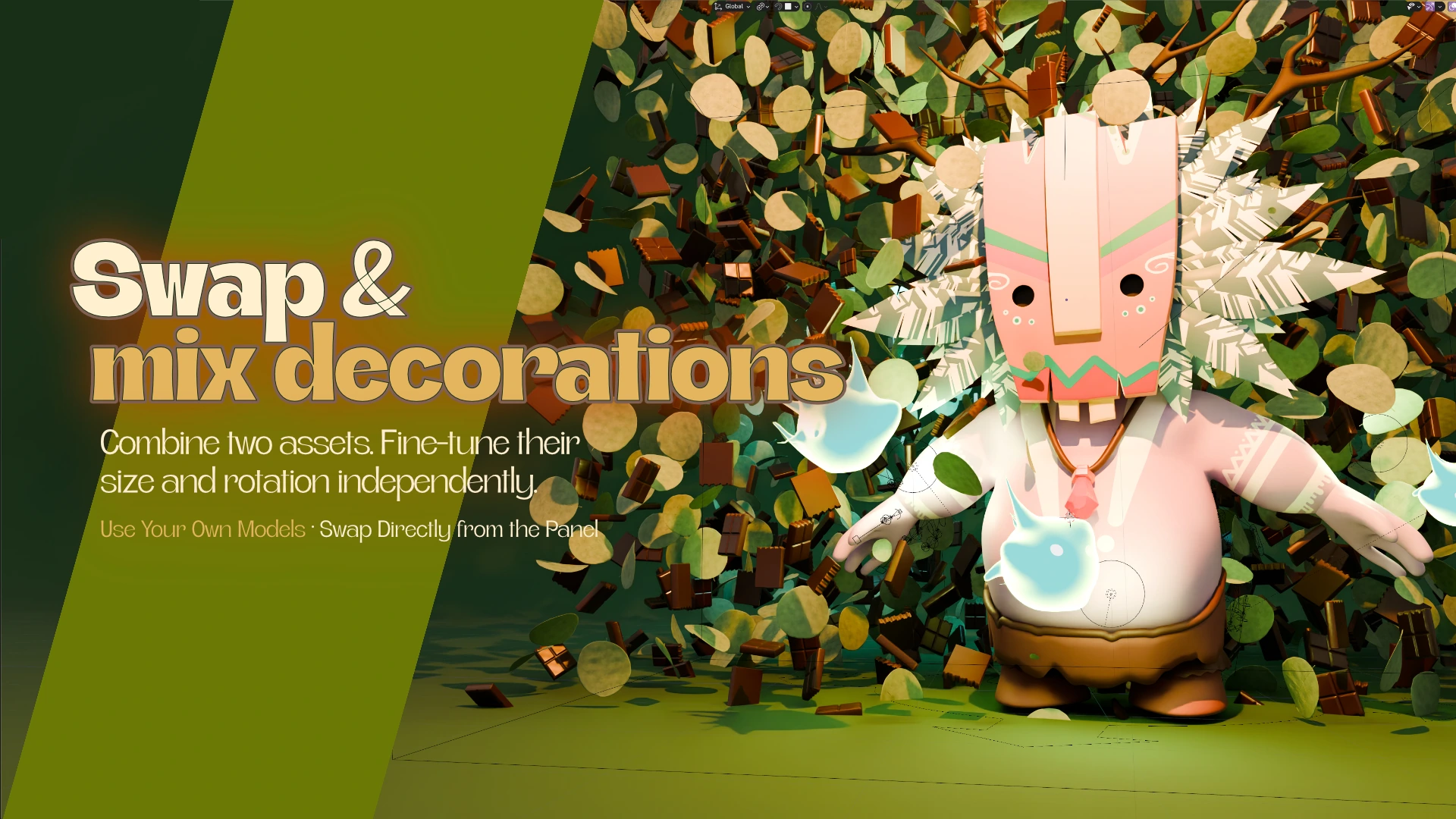
Product Aura has Decoration and Second Decoration slots. Each source has independent size and rotation controls. Choose two included ingredients or compatible objects from your scene, then use the layout seed to explore arrangements. Requested Count is the combined total, and the seeded random mix is not a guaranteed 50/50 split.
You can replace the hero while keeping the aura region and settings. Position the new product inside that region and manage the old product's visibility yourself. In 0.18.3, static source geometry, modifier and transform edits update after a short pause in Object Mode. For shader-only changes, reselect the source in its decoration menu. This makes one setup useful for comparing several product or ingredient combinations.
The ten included Product Aura assets
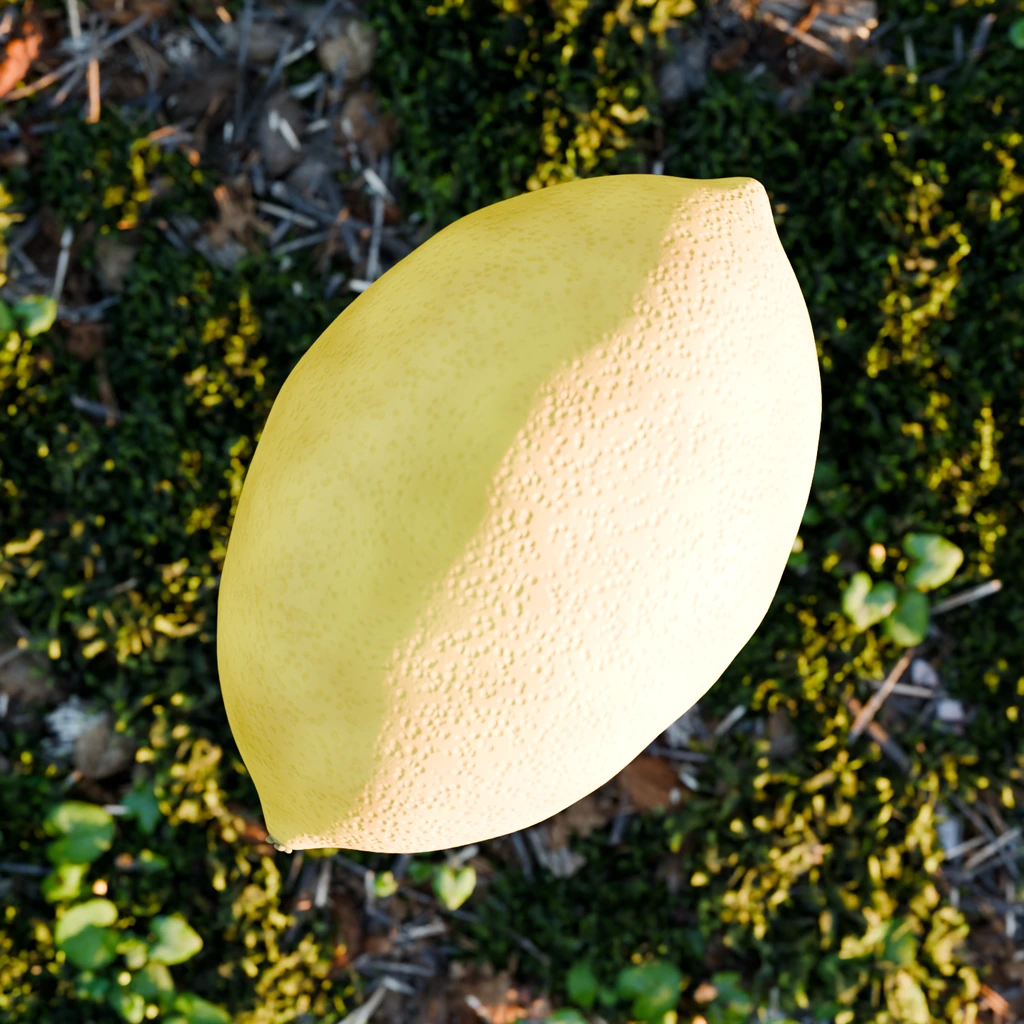
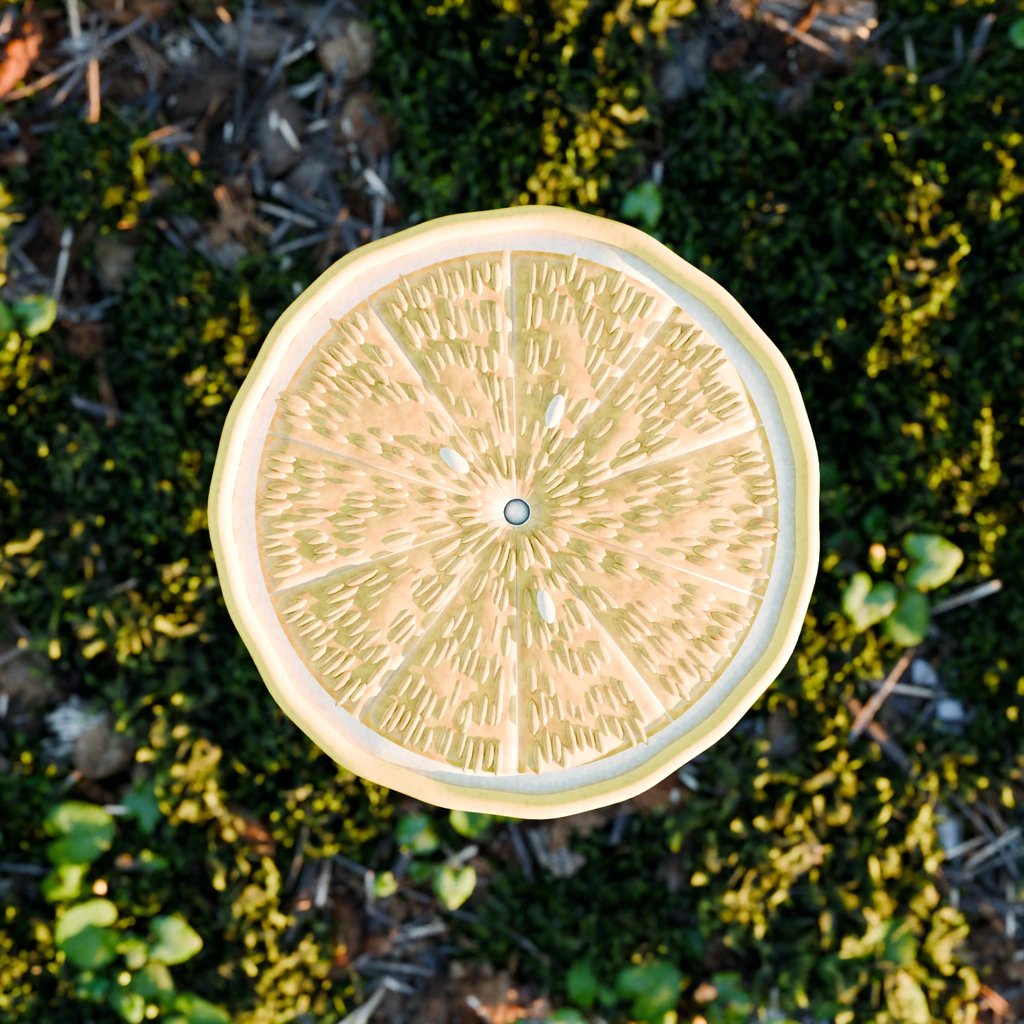
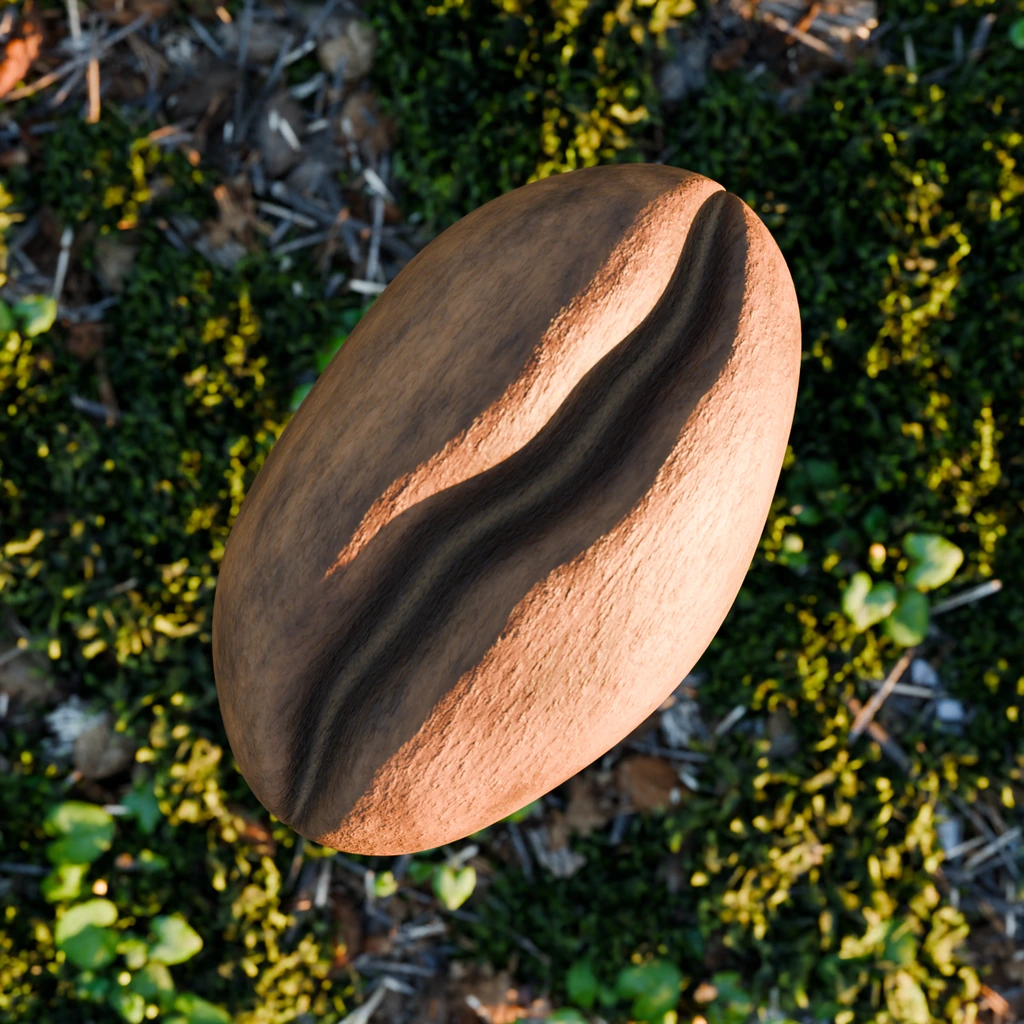
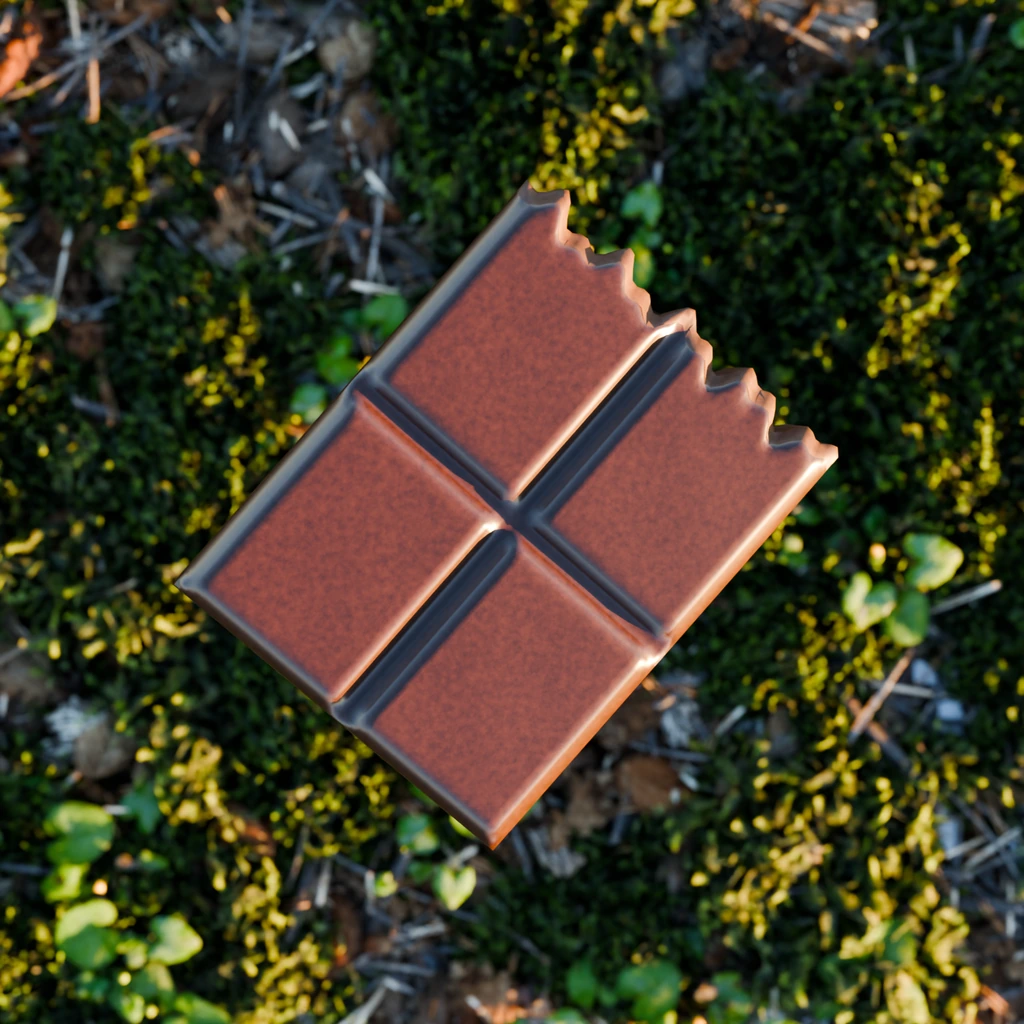
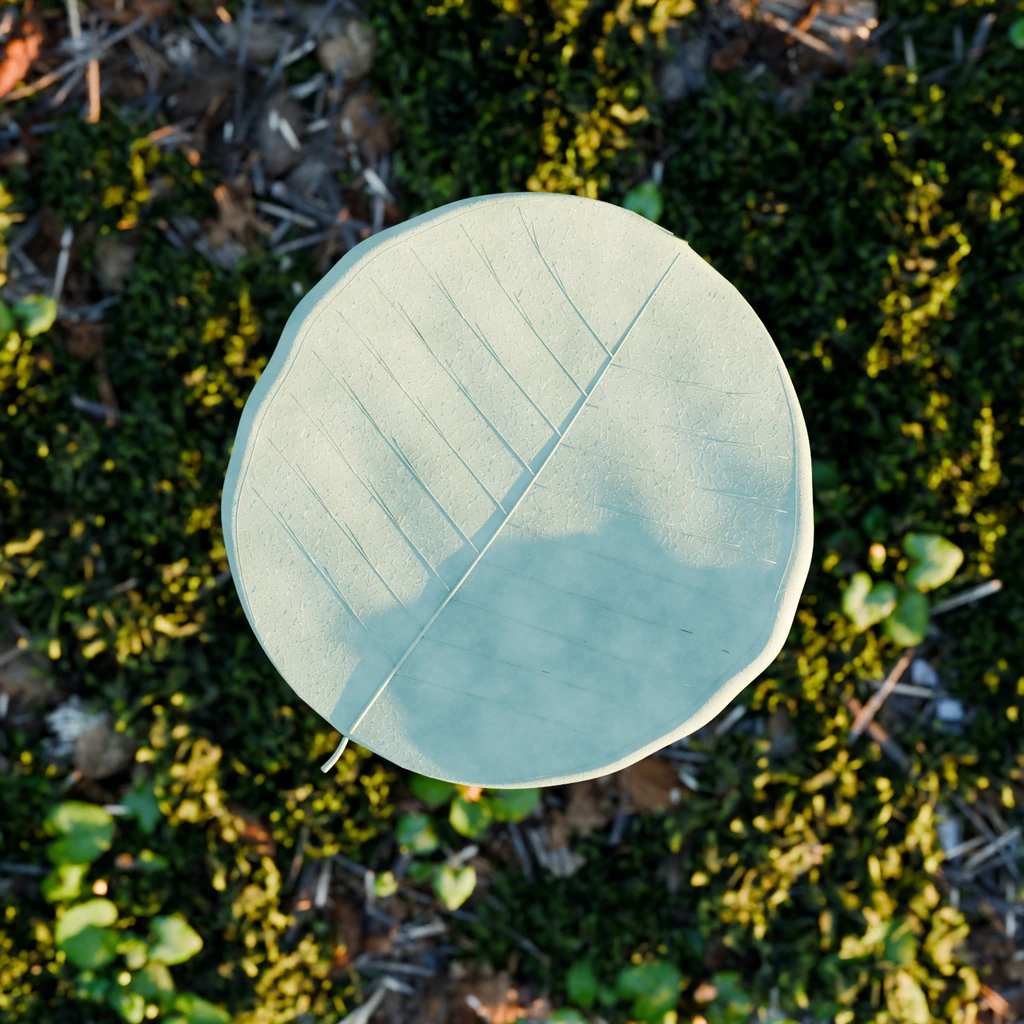
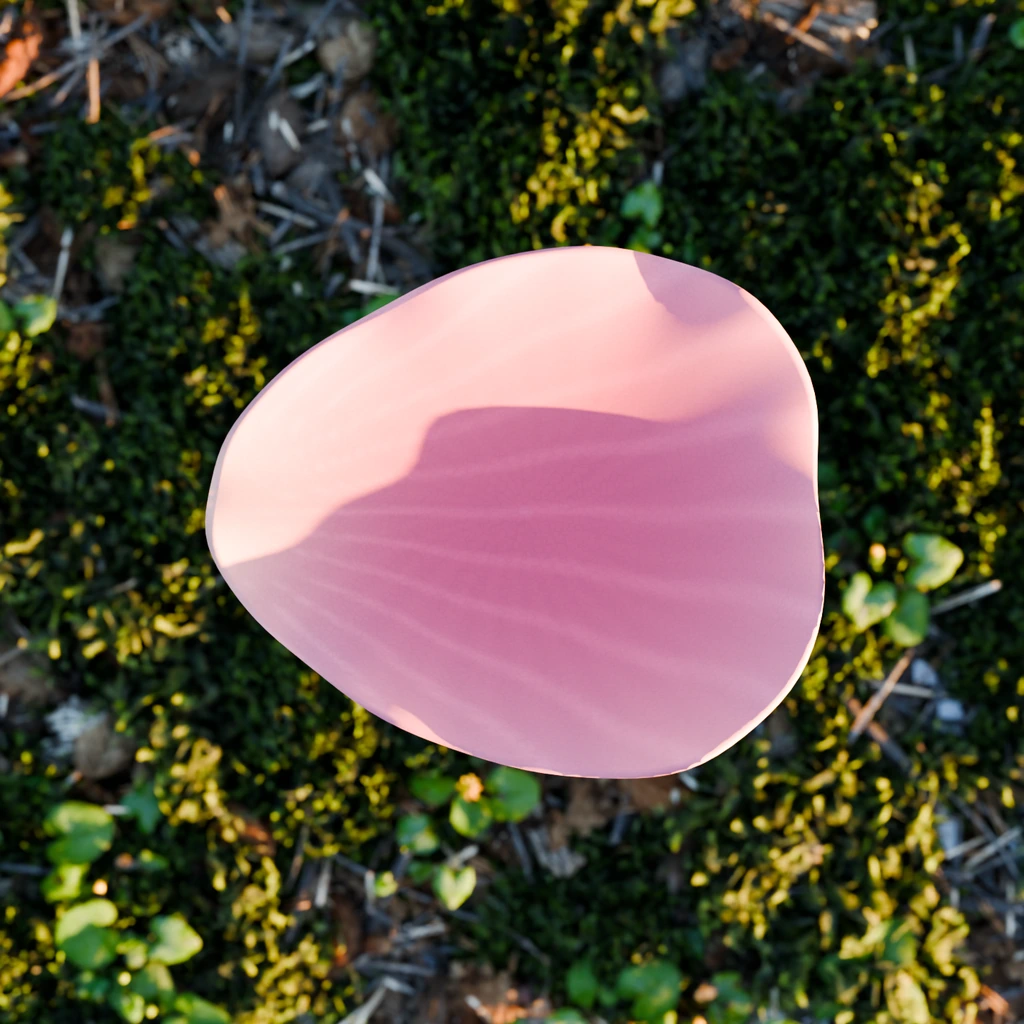
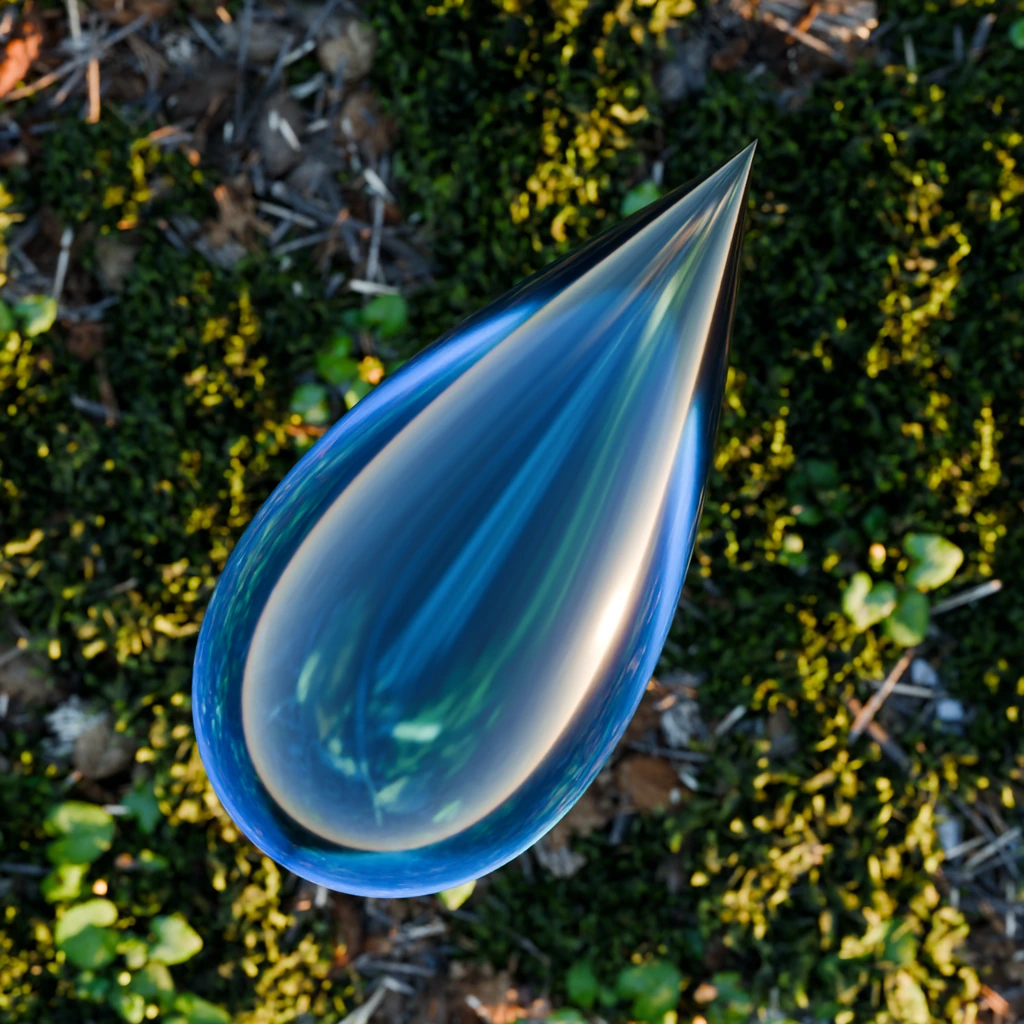
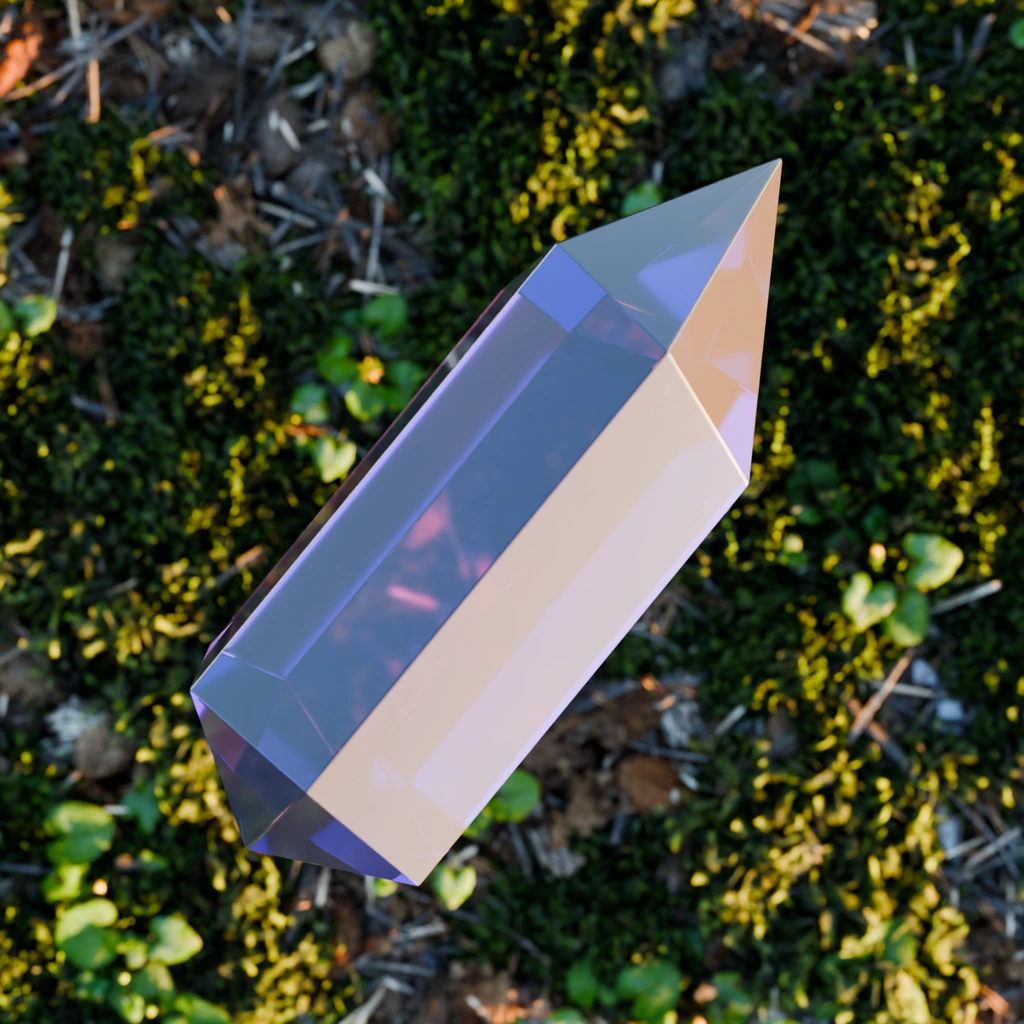
The complete addon ZIP includes lemon, citrus slice, coffee bean, cacao chunk, citrus leaf, eucalyptus leaf, rose petal, glass droplet, satin ribbon and crystal. They have UVs and self-contained materials and are available from the panel, without a separate asset installation. These are the individual asset renders from my Product Aura previews.


How to create your first Product Aura scene
- Install the intact Product Aura.zip through Blender Preferences > Extensions > Install from Disk. Enable it and open N > Product Aura in the 3D View.
- Save a copy of your scene. Choose a mesh as Hero Product, pick an Included Decoration and click Add Decoration.
- Choose Create Product Aura. Start with the default 500 decorations and leave Count Protection enabled.
- Use Select Aura Region to size the surrounding volume. Set the count, then apply Dense Fill or Maximum Fill.
- Adjust Hero Clearance and inspect the subject from your camera. Try Follow Mesh for openings; keep Solid Envelope when outer-shell protection is sufficient.
- Add a second decoration, refine its scale and rotation, and compare seeds. Save a preset when the arrangement works for the shot.
- Set up your own lighting and render with Cycles or Eevee. Move source objects outside the shot or manage their render visibility before rendering.
Composition tips for clearer visual hooks
Start with a recognizable silhouette. A dense arrangement can create energy, but it should not hide the label or the form you are selling. Check the composition at thumbnail size: if the product disappears, reduce the count, reduce the decoration size or increase clearance. A decoration can obscure a subject from the camera without physically intersecting it.
Choose ingredients that support the product's story. Coffee and chocolate can suggest a warm flavor profile; leaves and petals can introduce a botanical cue. Use scale variation to build depth and leave quieter space for typography. Save a promising seed before experimenting so you can return to it during revisions.
For an animated shot, preview the whole movement. A readable first frame does not guarantee a clear final frame. Test the hero at the extremes of its motion, inspect how Flow or Clear responds, and check whether any foreground objects cover the product at the moments that matter.
Three product-render ideas to try in Blender
- Citrus drink: use lemon and citrus slice as the two sources. Keep larger pieces away from the label, then add depth by extending the region behind the bottle. Check that the ingredient shapes remain recognizable at the final image size.
- Coffee packaging: combine coffee bean and cacao chunk. Give the chunk a restrained size range so its silhouette does not compete with the packaging. Compare several seeds with the camera fixed to evaluate the arrangement consistently.
- Perfume or cosmetics: mix glass droplet and crystal for specular accents, or rose petal and eucalyptus leaf for a botanical composition. Test lighting and transparent materials at a low count before increasing density.
These are starting points for art direction, not bundled product scenes or measured performance presets. Use your own product model, camera and lights. Product Aura supplies the layout tools and the ten listed decorations.
Compatibility, performance and practical limits
Product Aura 0.18.3 has a Blender 4.2 minimum. The Superhive listing specifies Blender 4.2 through 5.2 with Cycles and Eevee. Check the version supplied by your marketplace and its platform notes before purchase; a minimum version is not a guarantee for every newer build, operating system or graphics driver. Test a saved copy of your scene before changing versions in production.
Count Protection caps the requested and animated output at 2,000. In 0.18.3, disabling it removes the addon's old 20,000-item limit: type a larger request directly into the field. This is not unlimited real-world performance. Blender's native limits, available memory, geometry complexity and render settings still apply, and available space may fit fewer items. Save first and increase gradually; very large requests can exhaust memory or freeze Blender.
Troubleshooting: count, gaps and source changes
- Fewer decorations than requested: Requested Count is a target ceiling. Check the region volume, source sizes and clearance. Raise the count and reapply a fill preset if you want sizes recalculated; raising the count alone does not shrink the decorations.
- The layout stopped flowing: Fill Remaining Space creates fixed placements. Choose Return to Live Layout to restore the ordinary Flow reaction, or deliberately run another fill for a revised packed layout.
- Openings stay empty: select Follow Mesh, check the opening size against your decorations and refill an existing packed layout when necessary. The default Solid Envelope bridges holes and recesses.
- The source changed but its material did not: in 0.18.3, reselect the source in Decoration or Second Decoration for shader-only changes. Static geometry edits update after a pause in Object Mode.
- The product label is hidden: inspect the final camera. Physical clearance prevents intersections; it does not guarantee an unobstructed view. Reduce density, adjust the region or revise the composition.
The addon creates the decoration arrangement, not a complete studio, automatic camera animation or a physics simulation. Hero products and demonstration environments are not included unless a purchase listing explicitly says so. Installing from a disk ZIP also does not configure an automatic update repository.
Frequently Asked Questions
What is Product Aura for Blender?
Product Aura is a Blender addon by Bevel Graphics for creating reactive decoration layouts around a product, character or scene centerpiece. It combines live Flow and Clear modes, two decoration slots, fill presets and ten included 3D assets.
Which Blender versions and render engines does it support?
Product Aura 0.18.3 requires Blender 4.2 or newer. Superhive lists Blender 4.2 through 5.2, with Cycles and Eevee. Confirm the supplied version and platform requirements on your chosen store. The minimum Blender version does not certify every newer build, operating system or graphics driver.
Which ten decorations are included?
Lemon, citrus slice, coffee bean, cacao chunk, citrus leaf, eucalyptus leaf, rose petal, glass droplet, satin ribbon and crystal. They are bundled in the addon ZIP with UVs and self-contained materials, so a separate asset installation is not required.
Can I scatter my own models and mix two assets?
Yes. Choose compatible objects from your scene in Decoration and Second Decoration, then adjust each source's size and rotation independently. Requested Count is shared between both sources; the seeded random mix is not a fixed 50/50 split. In 0.18.3, static geometry edits update after a pause in Object Mode; reselect the source in its menu for shader-only changes.
Can Product Aura scatter more than 20,000 decorations?
Yes. Product Aura 0.18.3 removes the old 20,000-item addon limit when Count Protection is off. Type a higher Requested Count directly into the field. Protection on caps requested and animated output at 2,000. Actual placement depends on available space, and performance remains limited by Blender, memory and scene complexity. Save first and increase counts gradually.
Do I need to build Geometry Nodes or install the assets separately?
No. The Product Aura panel provides the supported scattering controls, and all ten decoration assets are bundled in the installation ZIP. You do not need to construct a node graph or install a separate decoration library to make your first aura.
Is the live reaction a physics simulation?
No. Product Aura uses geometric reactions without a simulation bake. In the live layout, Flow moves candidates away from the hero and Clear hides unsafe placements. Allow Shrinking lets instances shrink and recover. A packed Fill Remaining Space layout keeps fixed positions; use Return to Live Layout to restore Flow.
Does it include the scenes shown in the previews?
The included content is the addon and its ten decoration assets. Hero products, characters, environments, camera animation and lighting shown in promotional scenes are demonstrations, not included assets unless your purchase listing explicitly says otherwise.
Where can I buy Product Aura?
Product Aura is available from Bevel Graphics on Superhive and Gumroad. Follow a store link below for its current price, license details, checkout and download. Purchase and delivery for Product Aura take place on your chosen marketplace.
Get Product Aura and keep exploring
Product Aura is available on Superhive and Gumroad. The official Bevel Graphics product page brings the feature overview, full asset gallery and store links together. Prices and purchase terms are shown by your chosen marketplace. For help with installation or compatibility, contact bevel.graphics1@gmail.com with your addon version, Blender version and operating system.