Wool Dynamics
BLENDER 5.2Soft surfaces. Adjustable fibers. A tactile new direction for your existing models.
YOUR SCENE. YOUR NEXT REEL.
Made for the work
you want people to see.
Camera moves, clay breakdowns and bold new looks.
Turn your Blender scenes into content worth sharing.
Blender 4.2-5.2 / One-time purchase / From $12
Standard / Pro camera moves
Object animations
Viewport looks
Connected Blender workflow
01 / THE TOOLKIT
Reel Director brings motion, styling and output into one Blender panel. Less time setting up. More ways to show your work.
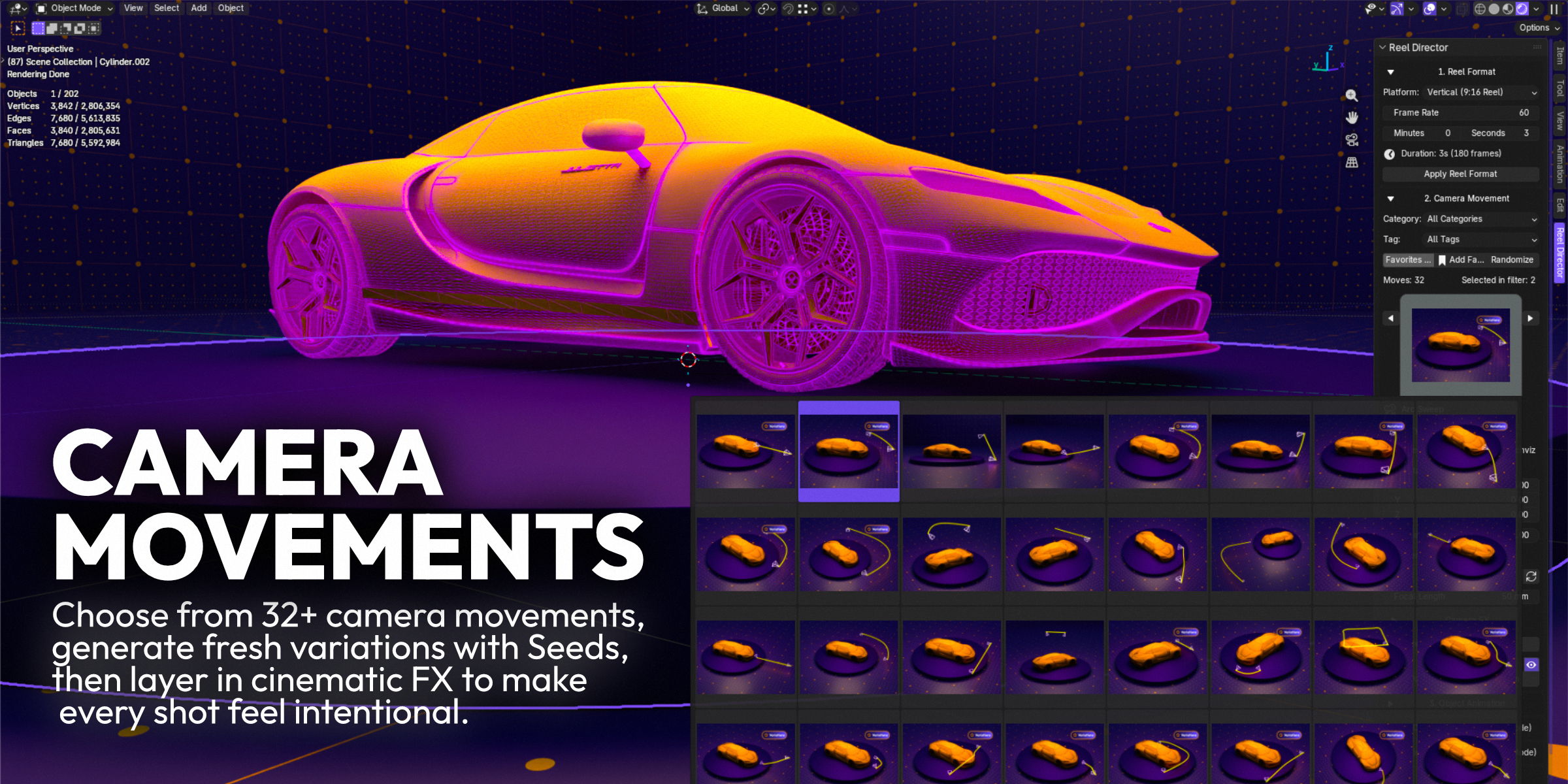
Orbits, reveals, hero shots and architectural moves. Choose a preset, then shape the pace, framing and focus around your scene.
32 moves in Standard / 36 in ProFind your editionVertical, square or landscape. Set the format, frame rate and duration.
Add a camera move. Animate objects. Give the scene a new look.
Render your sequence or hero frame, then bring it to your edit.
02 / A DIFFERENT PERSPECTIVE
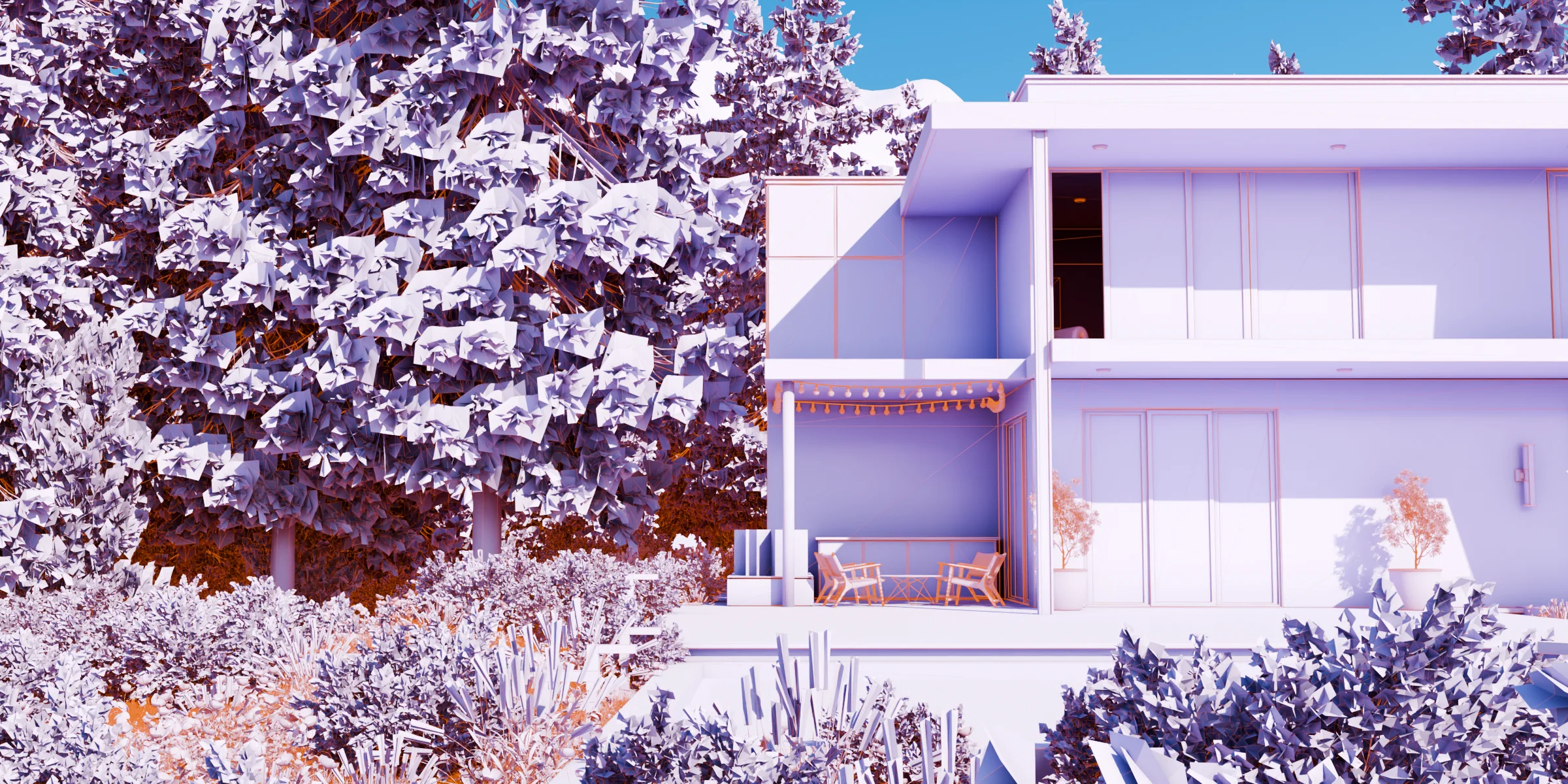
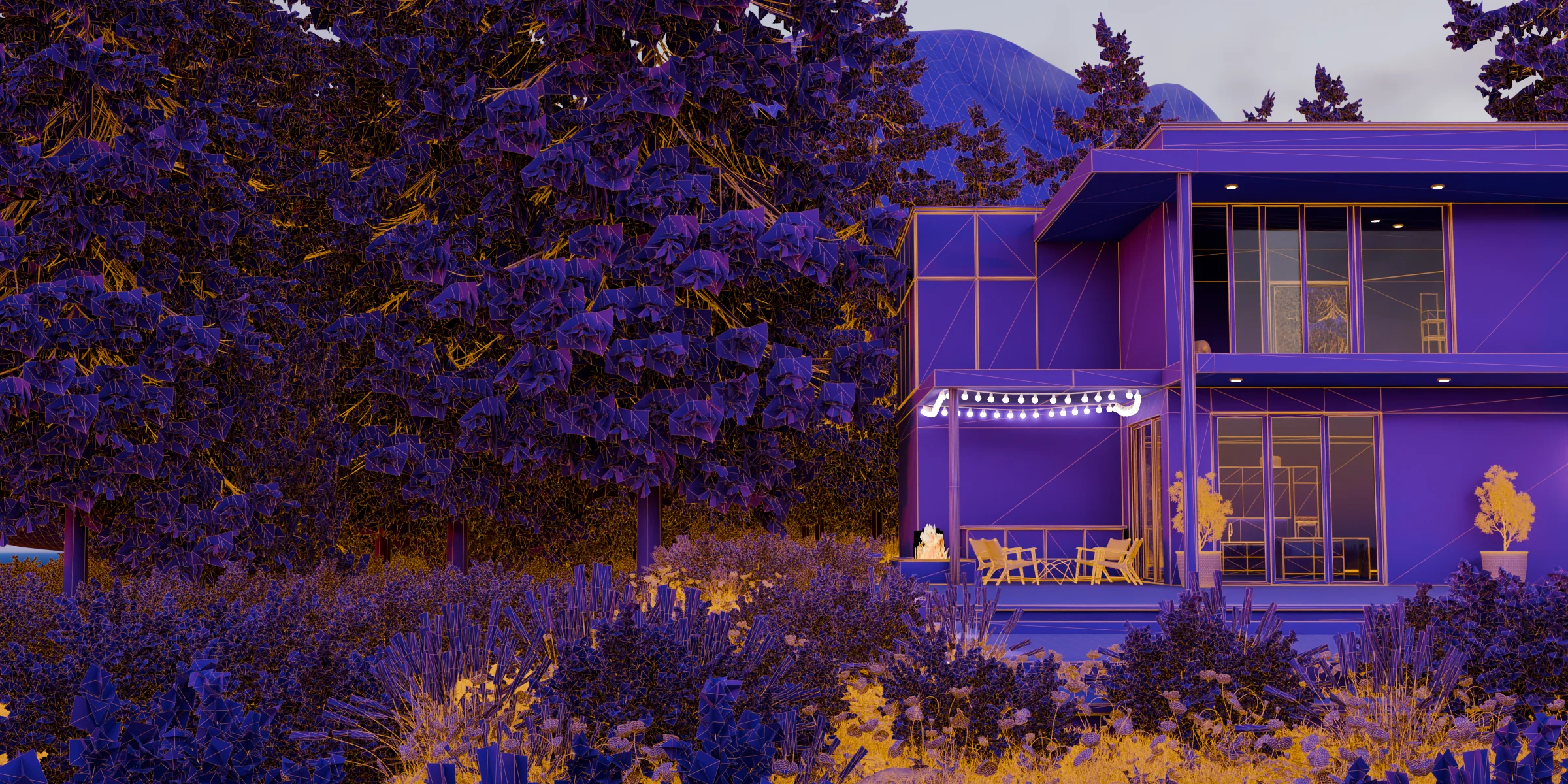
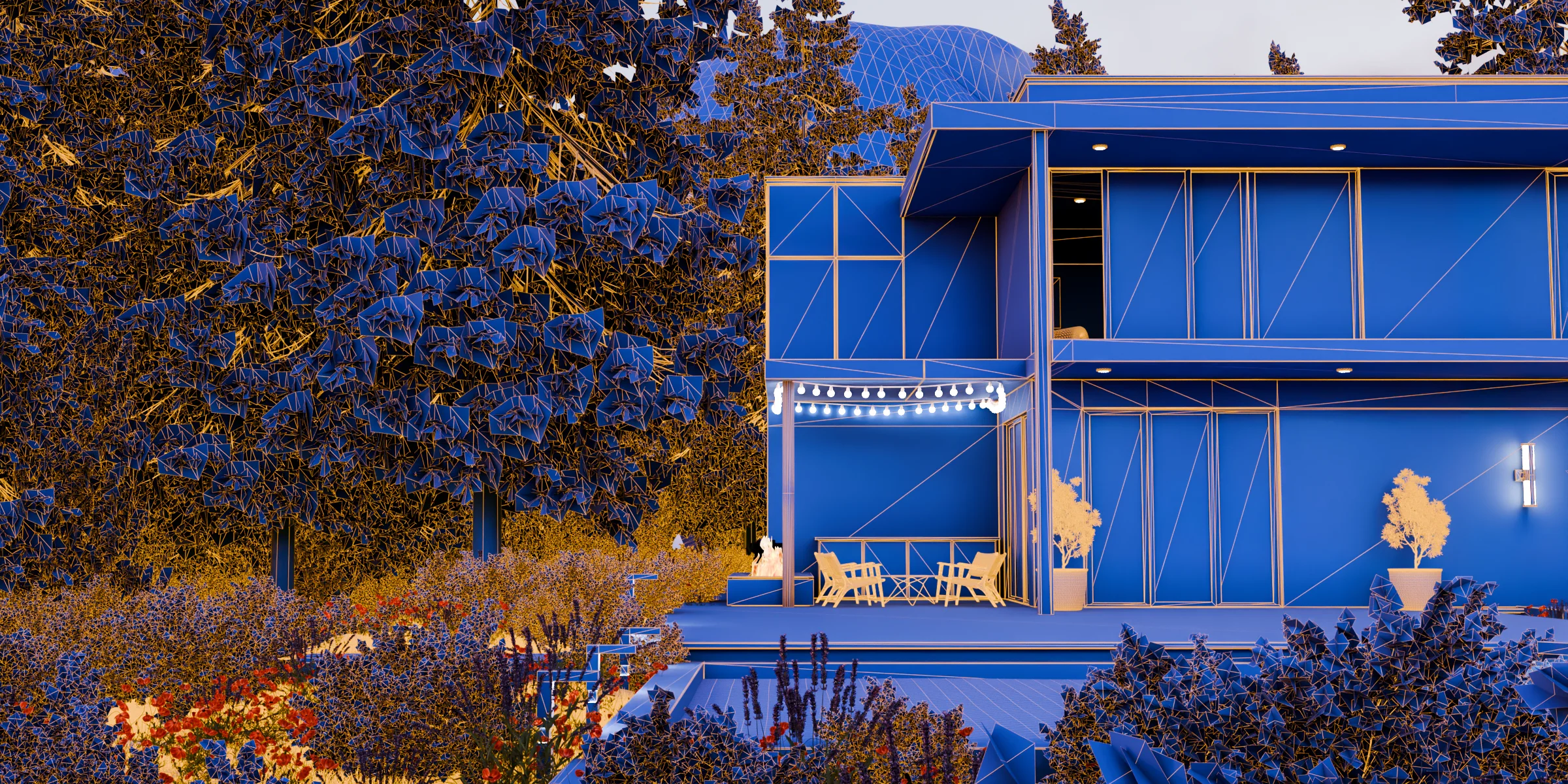
Your materials tell one story. Clay, wireframe and stylized viewport looks reveal another.
Built for architectural visualization, product showcases and 3D process breakdowns.
The art of the breakdownFor the shots that need an extra layer of character.
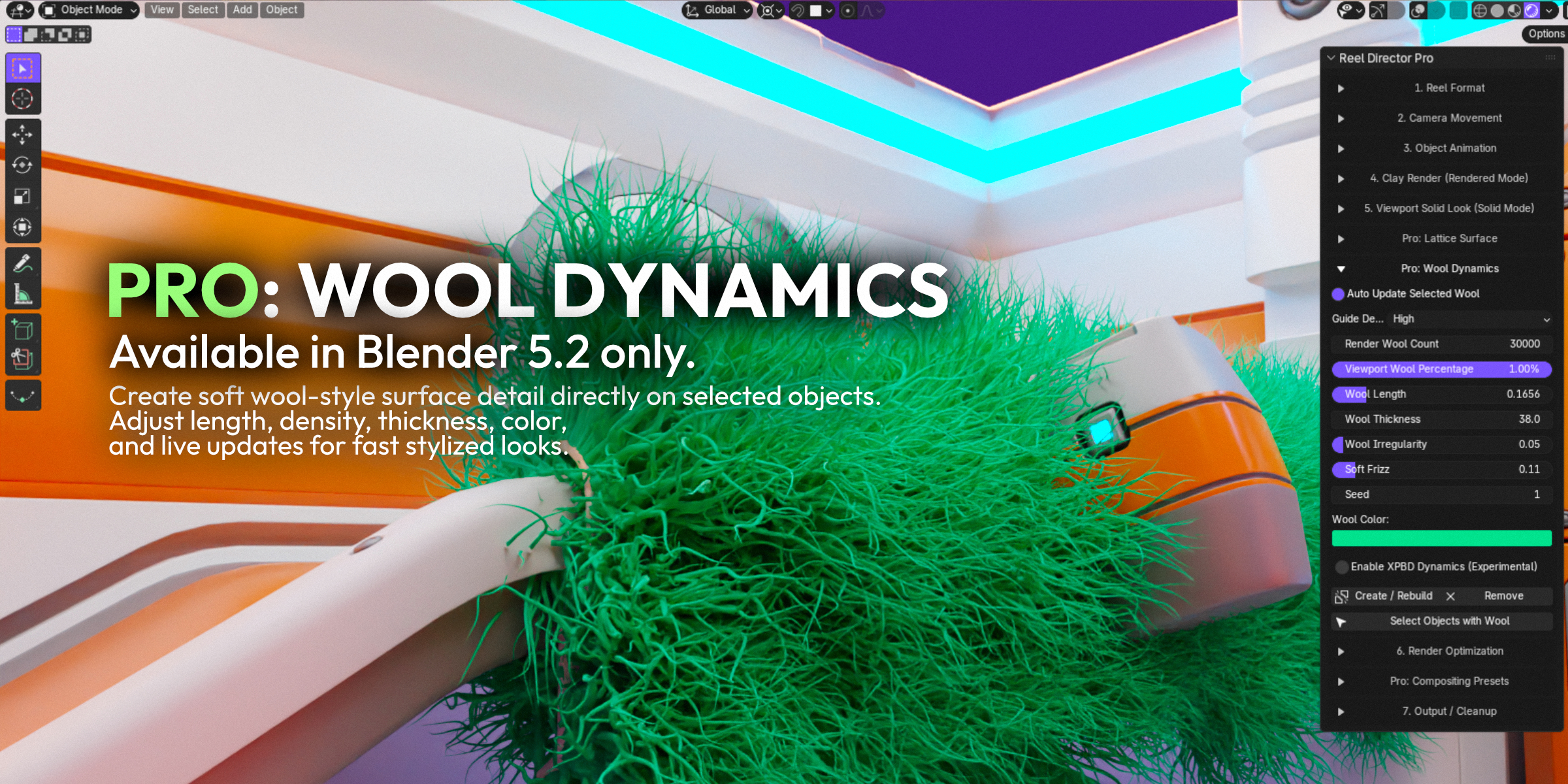
Soft surfaces. Adjustable fibers. A tactile new direction for your existing models.
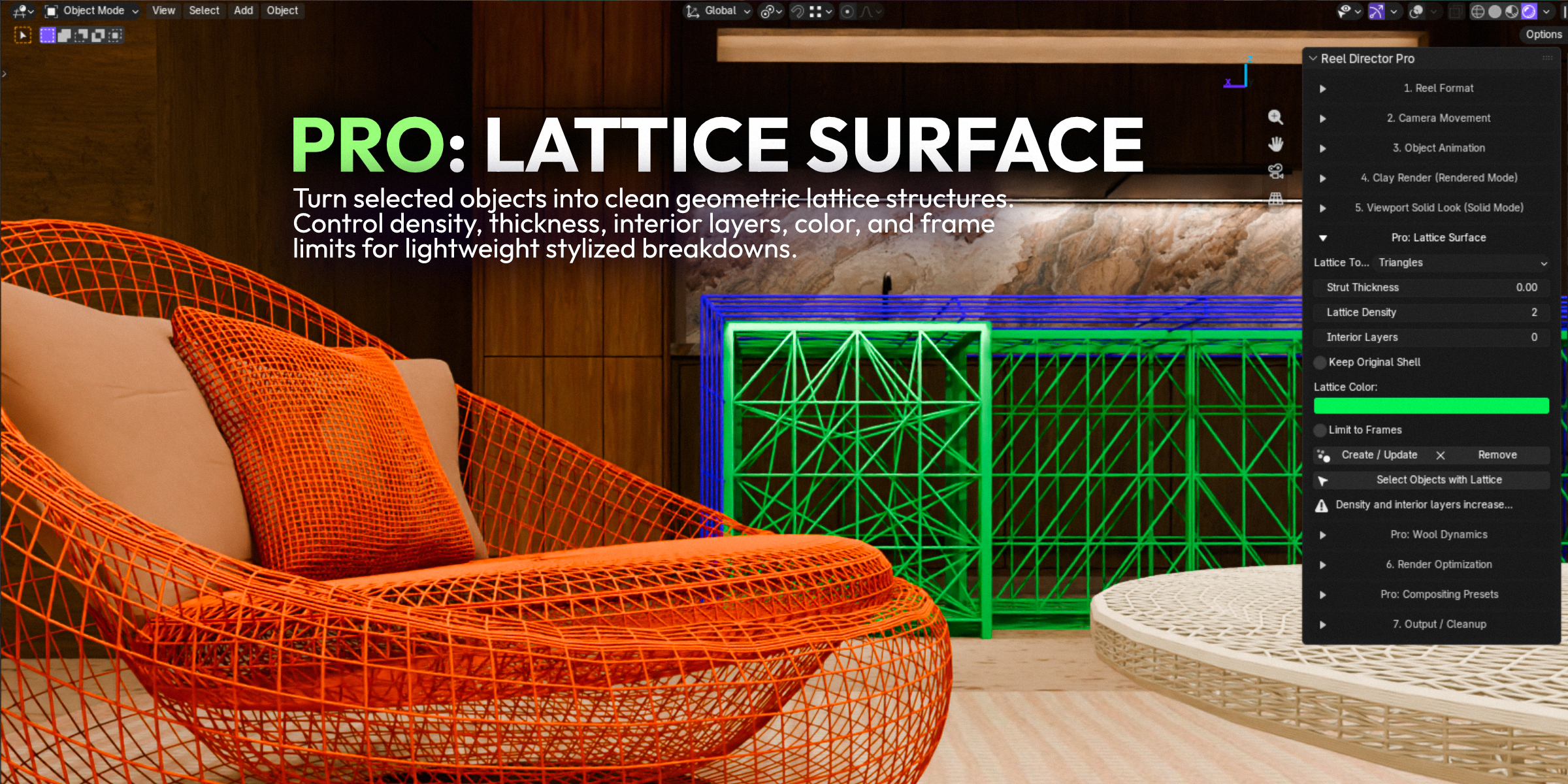
Turn solid forms into intricate structures, with control over density, thickness and layers.
03 / MAKE IT PART OF YOUR WORKFLOW
Buy directly from the artist who built it.
25% off both editionsYour everyday toolkit for turning finished scenes into fresh content.
12 months of support and product updates
The full toolkit, with more control over every shot and surface.
12 months of support and product updates
Prices in USD. Any currency conversion is shown by PayPal. Also available on Superhive
| The toolkit | Standard | Pro |
|---|---|---|
| Camera movement presets | 32 | 36 |
| Object animations | 17 | 17 |
| 20+ viewport looks and MatCaps | Included | Included |
| Clay, wireframe and glass tools | Included | Included |
| Reel formats, render presets and cleanup | Included | Included |
| Per-object Clay Studio and custom presets | Not included | Included |
| Premium camera moves and filters | Not included | Included |
| Wool Dynamics and Lattice Surface | Not included | Included |
| Compositor presets | Not included | Included |
Reel Director is a Blender addon by Bevel Graphics for making short-form 3D content from existing scenes. It combines camera moves, object animation, clay breakdowns, viewport looks, render presets and output tools in one panel. Use it for Instagram Reels, TikTok, YouTube Shorts and portfolio breakdowns.
Standard includes the complete content workflow, with 32 camera moves and 17 object animations. Pro includes everything in Standard, increases the camera library to 36 moves, and adds per-object Clay Studio, saved custom presets, camera filters, Wool Dynamics, Lattice Surface and compositor presets.
The current releases support Blender 4.2 through 5.2 and work with Cycles and Eevee. Wool Dynamics (also called Native Wool Style) requires Blender 5.2. Its optional XPBD dynamics are experimental. Check the requirements of your chosen feature before purchasing.
No. Each edition is a one-time purchase. It includes the addon and 12 months of product updates and support. Your purchased version does not expire when the support period ends.
Direct purchases use PayPal's hosted checkout. You approve payment on PayPal, then return here for a verified download of your chosen edition. Card availability is determined by PayPal for your location and account. No Superhive account is needed for a direct purchase. Keep your PayPal receipt for support or download recovery.
Yes. Reel Director is distributed under the GNU General Public License (GPL), and you can use it to create personal and commercial work. The addon license does not transfer ownership of your renders or client scenes to Bevel Graphics. Demo scenes and promotional artwork are not included unless explicitly listed in the download.
Download the ZIP for your edition, open Blender Preferences, and use Install from Disk in the Add-ons section. Select the ZIP and enable Reel Director. For compatibility, installation or order help, email bevel.graphics1@gmail.com with your Blender version and, for purchase support, your PayPal receipt reference.
MADE BY BEVEL GRAPHICS
Built from a hands-on Blender and architectural visualization workflow, to help your work go further.