Reel Director Pro Wool Dynamics: A Blender 5.2 Addon for 3D Content Creators
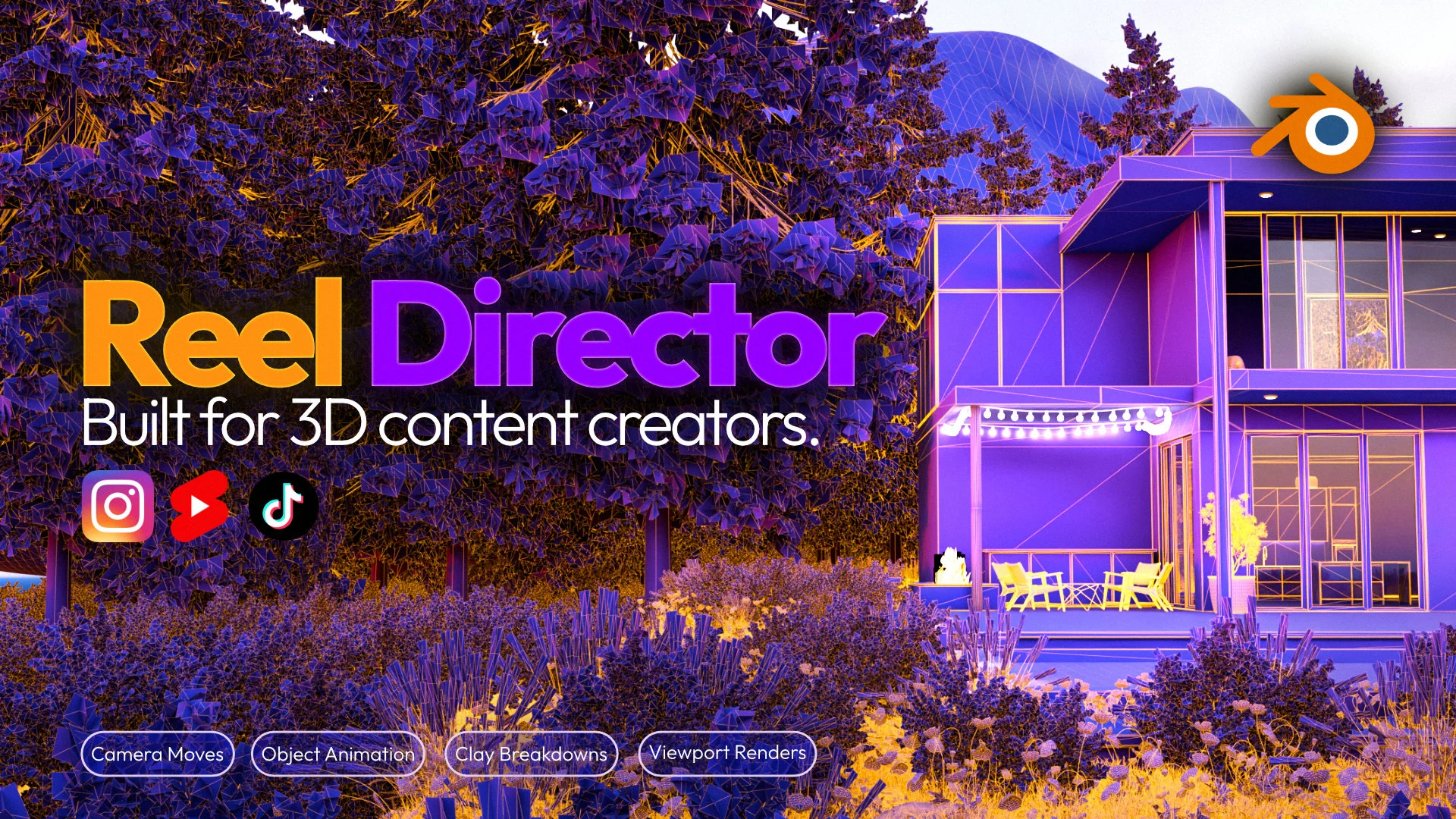
Reel Director Pro adds Wool Dynamics to Blender 5.2, helping 3D artists create adjustable wool-style surfaces, optional motion, and stronger social-ready visuals from existing scenes.
By Bevel GraphicsPublished Updated
Reel Director Pro is a Blender addon built for 3D artists who want to turn existing scenes into short-form content, process breakdowns, product shots, and stylized experiments without rebuilding the workflow in several applications. Its Wool Dynamics feature adds a new visual layer: selected objects can receive adjustable wool-style fibers and optional experimental motion directly inside Blender 5.2.
Quick Answer: What Is Reel Director Pro Wool Dynamics?
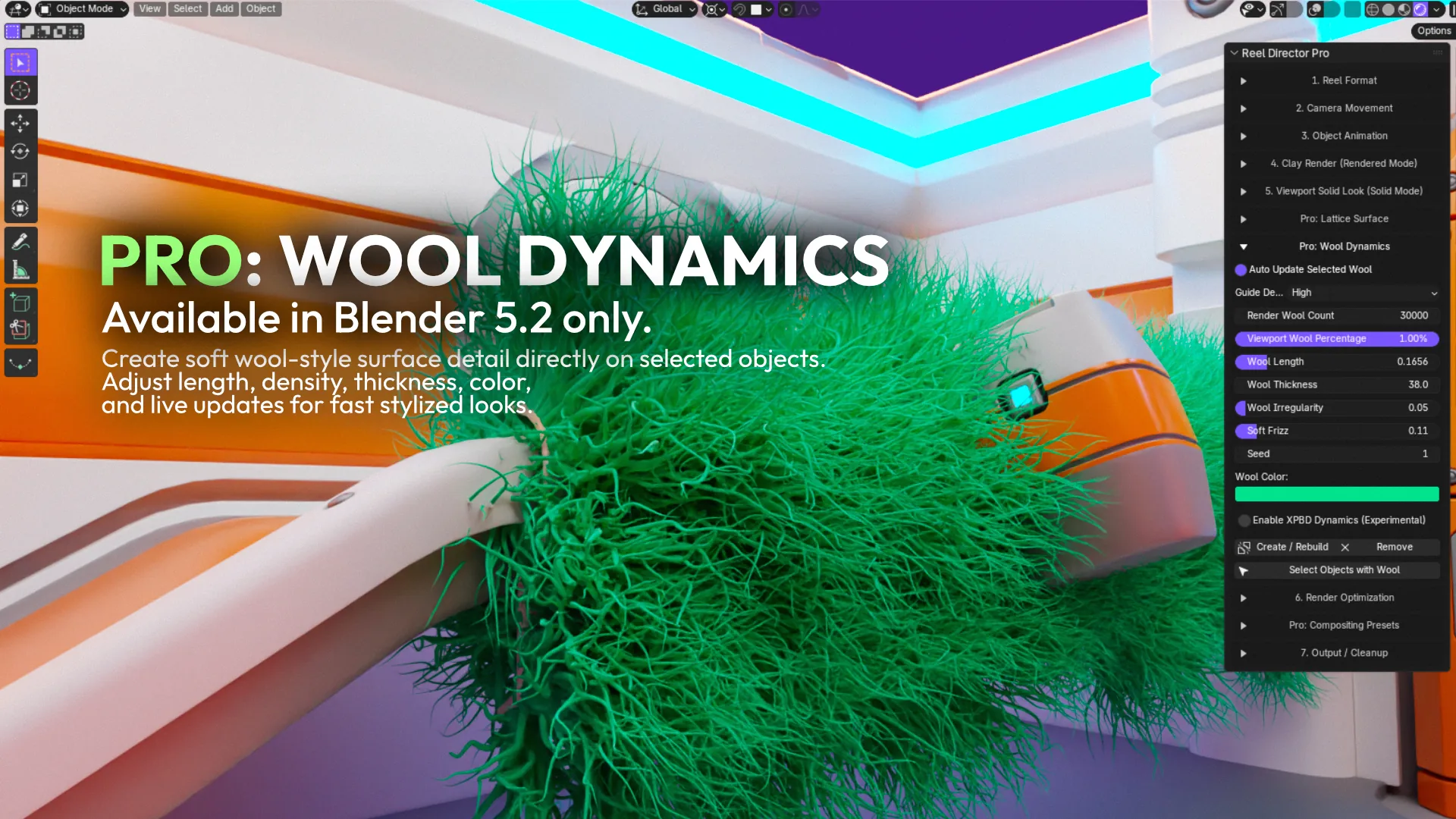
Wool Dynamics is a Reel Director Pro feature for Blender 5.2 that creates soft fiber-like surfaces on selected mesh objects with Blender-native hair tools. Artists can control wool count, viewport density, length, thickness, irregularity, frizz, seed, and color. Optional experimental XPBD dynamics can add movement, while live controls make it easier to refine the look without rebuilding it manually.
Reel Director Pro at a Glance
- Product: Reel Director Pro by Bevel Graphics
- Category: Blender addon for 3D content creation and short-form video workflows
- Wool Dynamics compatibility: Blender 5.2 only
- General addon compatibility: Blender 4.2 through 5.2
- Render engines: Cycles and Eevee
- Core Pro tools: Wool Dynamics, Lattice Surface, Per-Object Clay Studio, premium camera moves, camera filters, and compositor presets
- Marketplace: Superhive, formerly Blender Market
Reel Director is available directly from Bevel Graphics: Standard costs $16 USD and Pro costs $22 USD, each as a one-time purchase. The addon is also available on Superhive; marketplace pricing may differ.
What Wool Dynamics Does in Blender
Wool Dynamics turns a selected mesh into a soft, irregular surface treatment that can be art-directed from the Reel Director Pro panel. The effect is useful when a normal shader is not enough and the object needs visible fiber, softness, or motion. Because the controls are exposed in one place, artists can move from a subtle fabric-like finish to a dense, exaggerated wool look while keeping the original object available for the rest of the scene.
- Wool count controls the amount of generated fiber detail used for rendering
- Viewport wool percentage keeps interactive previews lighter than the final render
- Length and thickness define the overall character of the fibers
- Irregularity and soft frizz break up uniform results for a more organic surface
- Seed creates repeatable variations without redesigning the setup
- Wool color can be adjusted directly for fast visual exploration
- Auto-update controls let the selected wool object respond to changes from the panel
- Experimental XPBD dynamics can add secondary movement when the shot benefits from animation
Why Wool Dynamics Helps 3D Artists
For a 3D artist, the value is not only the wool effect itself. Wool Dynamics can turn a familiar model into a new visual hook. A chair, product, architectural element, abstract object, or character prop can become a soft, tactile version that feels immediately different in a reel or carousel. That gives creators another way to reuse finished work instead of waiting for an entirely new project before publishing again.
The effect is especially useful for short-form content because viewers can understand the transformation quickly: clean mesh, wool generation, movement, then final styled shot. This sequence creates a clear before-and-after story for Instagram Reels, TikTok, YouTube Shorts, portfolio breakdowns, and marketplace launch content.
Practical Uses for Wool-Style Surfaces
- Soft product and furniture concepts that need visible tactile detail
- Stylized architectural elements, installations, and experimental facades
- Abstract motion graphics where fiber movement becomes the main hook
- Clay-to-wool or material-to-wool transitions for process reels
- Playful variations of existing portfolio assets
- Close-up shots where surface detail is more important than a complex environment
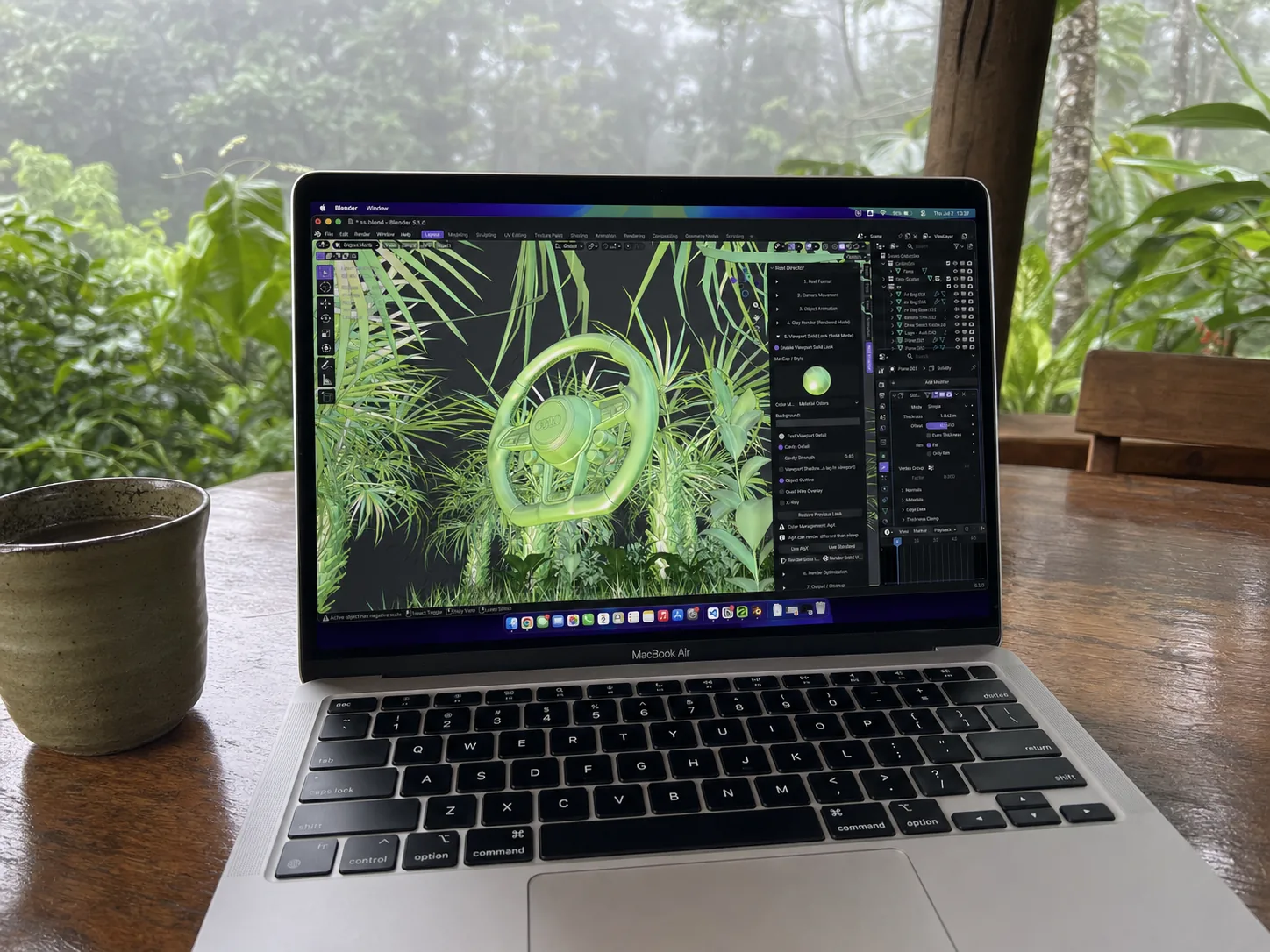
Wool Dynamics Compatibility and Performance
The full Reel Director Pro addon supports Blender 4.2 to 5.2, but Wool Dynamics specifically requires Blender 5.2. The feature uses native hair tools and includes a separate viewport percentage so artists can work with fewer visible fibers before using the final render count. Experimental XPBD dynamics should be treated as an optional motion tool and tested with the actual scene, object scale, and shot length.
This distinction matters for search and purchase decisions: artists on older supported Blender versions can still use the broader Reel Director Pro workflow, but they need Blender 5.2 for Wool Dynamics. The Superhive listing includes 12 months of product support and updates.
Other Reel Director Pro Functions
Wool Dynamics sits inside a larger production toolkit. Reel Director Pro includes the complete Reel Director workflow and adds deeper camera, surface, clay, and finishing controls for artists who want more variations from one Blender scene.
- Reel formats for vertical 9:16, Instagram 3:4 and 4:5, square 1:1, and landscape 16:9 output
- 36 total camera moves in Pro, including hero shots, reveals, orbits, architecture moves, and premium motion presets
- 17 object animations for build, reveal, assemble, explode, slide, scale, and float-style sequences
- Per-Object Clay Studio with independent clay, wire, glass, texture, ambient occlusion, and thickness controls
- Built-in and seeded clay or glass looks, plus custom presets stored in the Blender file
- Reversible Cinematic, Warm, Cool, and Bleach Bypass camera filters
- More than 20 viewport styles with MatCaps, cavity, shadows, outline, and X-ray options
- Four render optimization presets from fast social previews to cleaner final renders
- Output tools for image sequences, MP4 where Blender supports it, HDR EXR, hero frames, and cleanup
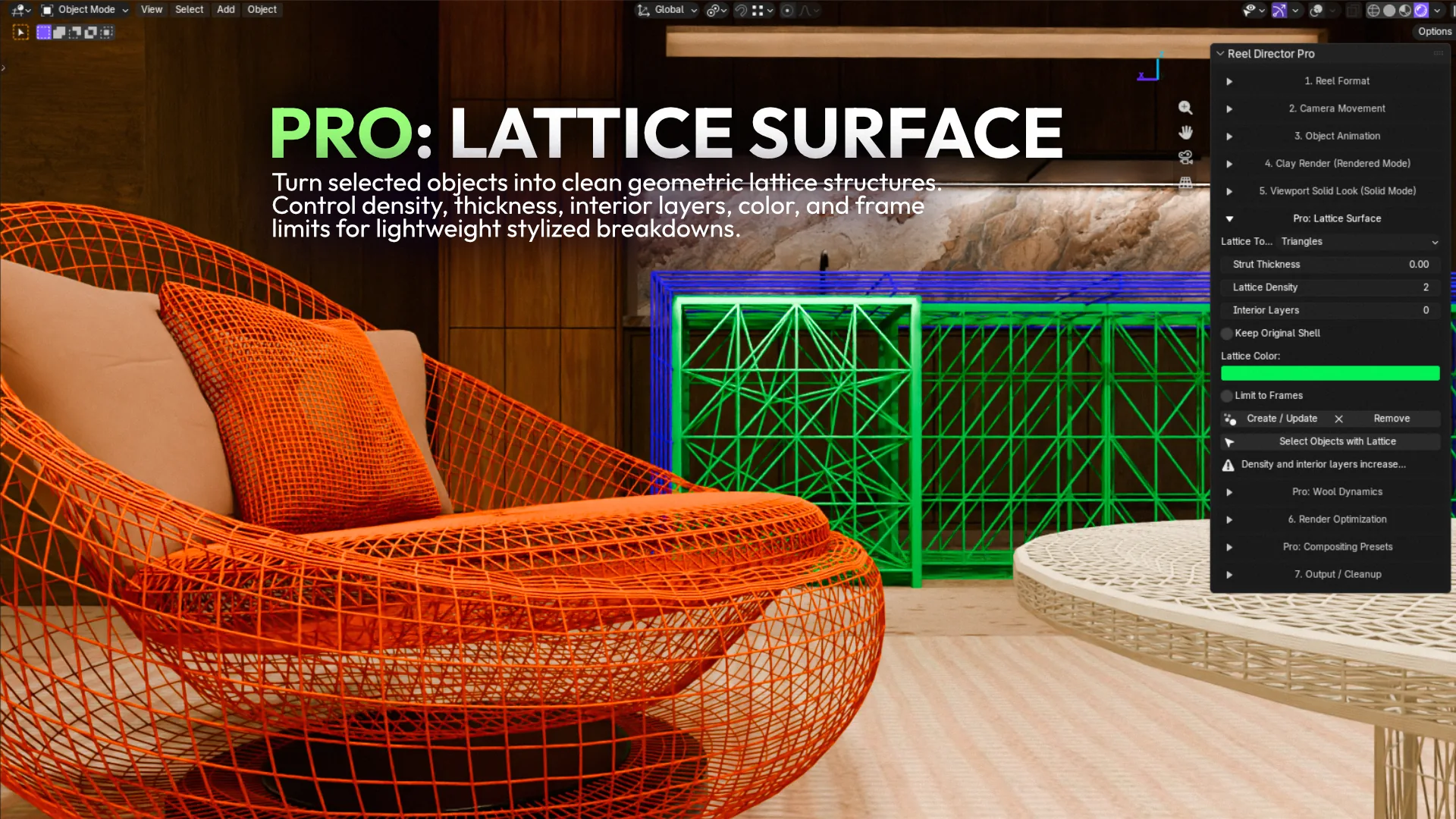
Lattice Surface for Geometric Breakdowns
Lattice Surface is the second major Pro surface tool. It generates triangle or quad structures on selected mesh objects with controls for density, strut thickness, interior layers, spacing, color, frame limits, and optional preservation of the original shell. It is useful for technical breakdowns, procedural design studies, and bold visual transitions that contrast well with the softness of Wool Dynamics.
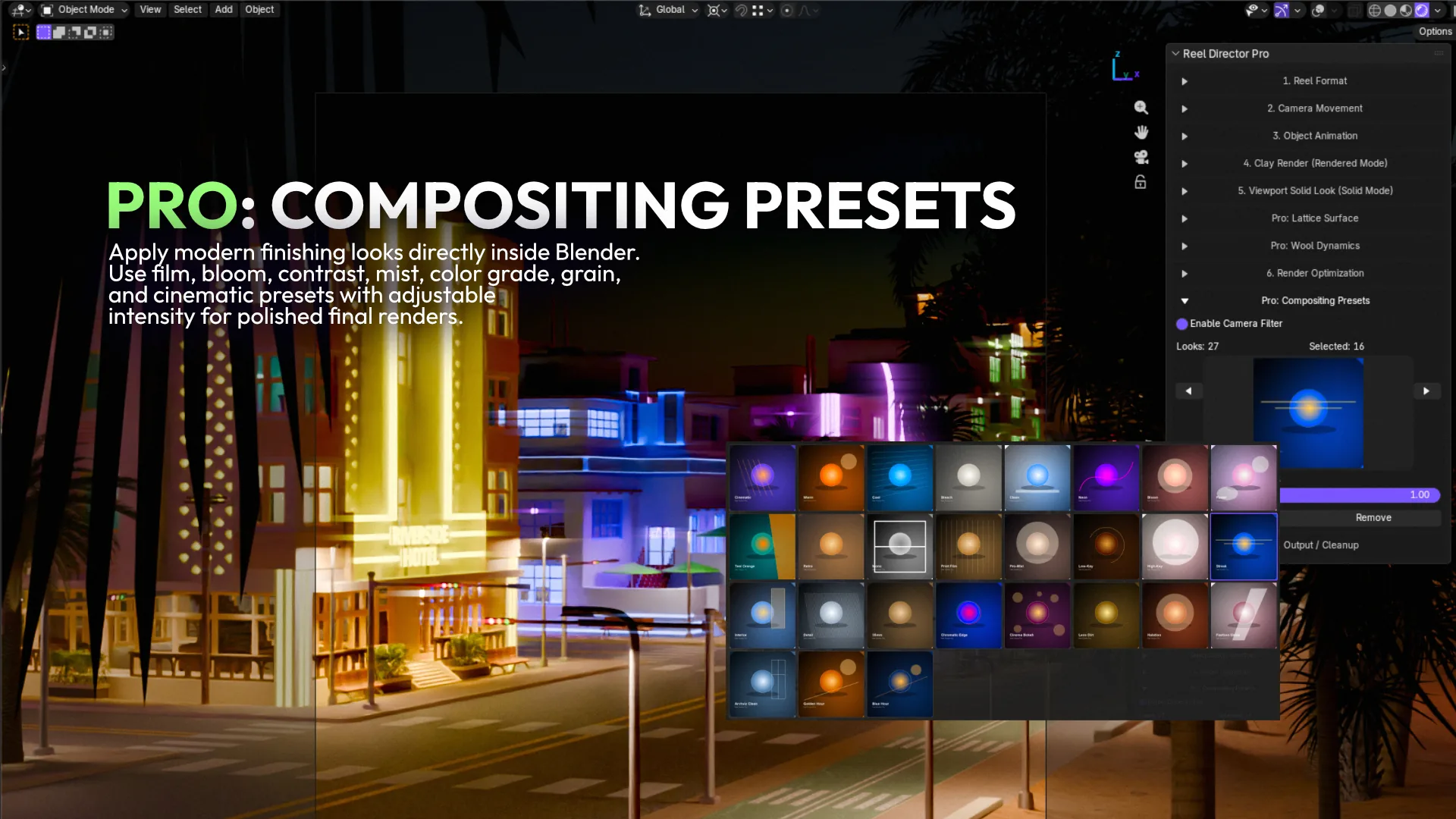
Compositing Presets for the Final Look
Reel Director Pro also includes reversible compositor looks for finishing a shot inside Blender. Presets include Print Film Finish, Black Pro-Mist, Luxury Low-Key, High-Key Beauty, Anamorphic Streak, Interior Window Balance, Fine Detail Finish, and Fine 35mm Grain. Artists can adjust the effect intensity and remove the look without replacing the original compositor connection.
One Blender Scene, More Publishable Content
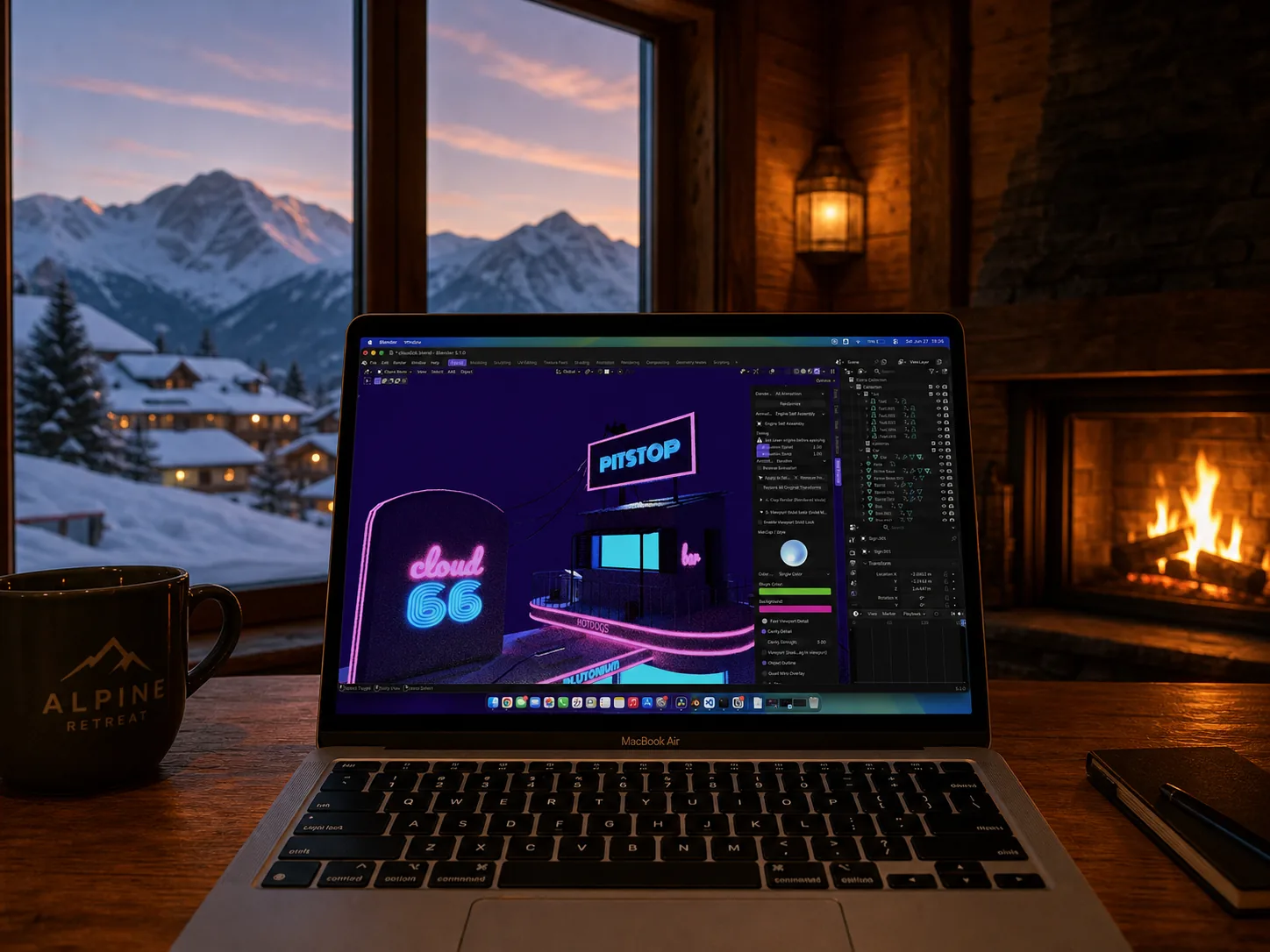
The strongest reason to use Reel Director Pro is the connection between its features. Wool Dynamics can supply the visual hook, a premium camera move can reveal the form, object animation can add timing, a clay or viewport look can explain the process, and a compositor preset can finish the shot. The tools are most valuable when they are treated as one content workflow instead of isolated effects.
Who Is Reel Director Pro For?
- Blender artists who want to create more social content from existing scenes
- Architectural visualization artists making reels, design studies, and process breakdowns
- Product and automotive artists who need repeatable camera-led presentations
- Motion designers exploring wool, lattice, clay, wireframe, and viewport transformations
- Creators launching 3D assets, addons, tutorials, or courses on visual marketplaces
- Studios that want a faster path from a finished scene to multiple promotional variations
Reel Director vs Reel Director Pro
Reel Director includes the core creator workflow: formats, 32 camera moves, 17 object animations, clay breakdowns, viewport styles, render optimization, output, and cleanup. Reel Director Pro includes all of that and adds 36 total camera moves, Per-Object Clay Studio, saved and seeded looks, camera filters, Wool Dynamics, Lattice Surface, and modern compositor presets. Pro is the better fit when advanced styling and repeatable surface variation are central to the content.
Frequently Asked Questions
Frequently Asked Questions
What is Reel Director Pro?
Reel Director Pro is a Blender addon by Bevel Graphics for turning existing 3D scenes into social-ready content. It combines reel formats, camera moves, object animations, clay and viewport looks, surface tools, render presets, compositing, output, and cleanup in one workflow.
What is Wool Dynamics in Reel Director Pro?
Wool Dynamics is a Pro feature that uses Blender-native hair tools to create adjustable wool-style fibers on selected mesh objects. It includes controls for count, viewport percentage, length, thickness, irregularity, frizz, seed, color, and optional experimental XPBD movement.
Which Blender version is required for Wool Dynamics?
Wool Dynamics requires Blender 5.2. The wider Reel Director Pro addon supports Blender 4.2 through 5.2, but the wool feature itself is available in Blender 5.2 only.
Does Wool Dynamics work with animation?
Yes. Wool-style surfaces can be used with the addon's camera and object animation workflow. Reel Director Pro also provides optional experimental XPBD dynamics for secondary wool movement in Blender 5.2.
What is the difference between Wool Dynamics and Lattice Surface?
Wool Dynamics creates soft fiber-like detail, while Lattice Surface creates geometric triangle or quad structures. Both are Pro surface tools for selected objects, but they produce very different visual hooks.
How much does Reel Director Pro cost?
Reel Director Pro costs $22 USD as a one-time purchase from the Bevel Graphics shop. Standard costs $16 USD. The addon is also available on Superhive, where marketplace pricing may differ.
Is Reel Director Pro useful for archviz artists?
Yes. Archviz artists can use it for camera reveals, object animation, clay and wireframe breakdowns, viewport looks, wool or lattice design studies, render optimization, and vertical social content from existing architectural scenes.
Reel Director Pro is most useful when Wool Dynamics, camera movement, object animation, clay breakdowns, and finishing presets work together to turn one Blender scene into several strong pieces of content.